
FTP and FTPS
Connect to FTP servers, with TLS encryption (FTPS) whenever the server supports it.
On this page 3 sections
What you’ll accomplish
- Connect to an FTP server with or without TLS
- Know which FTPS mode DockDuck uses on each port
FTP and FTPS share one tile in the Connect to Server sheet. Like SFTP, an FTP server opens as a session in the tab, with your Mac on the left and the server on the right. See Connect to a server for working with its files.
Connect
- Open Connect to Server and click FTP
Press ⌘K. FTP uses port 21.
- Choose the encryption
Under Encryption, choose TLS (FTPS) or Plain. Choose TLS whenever the server supports it.
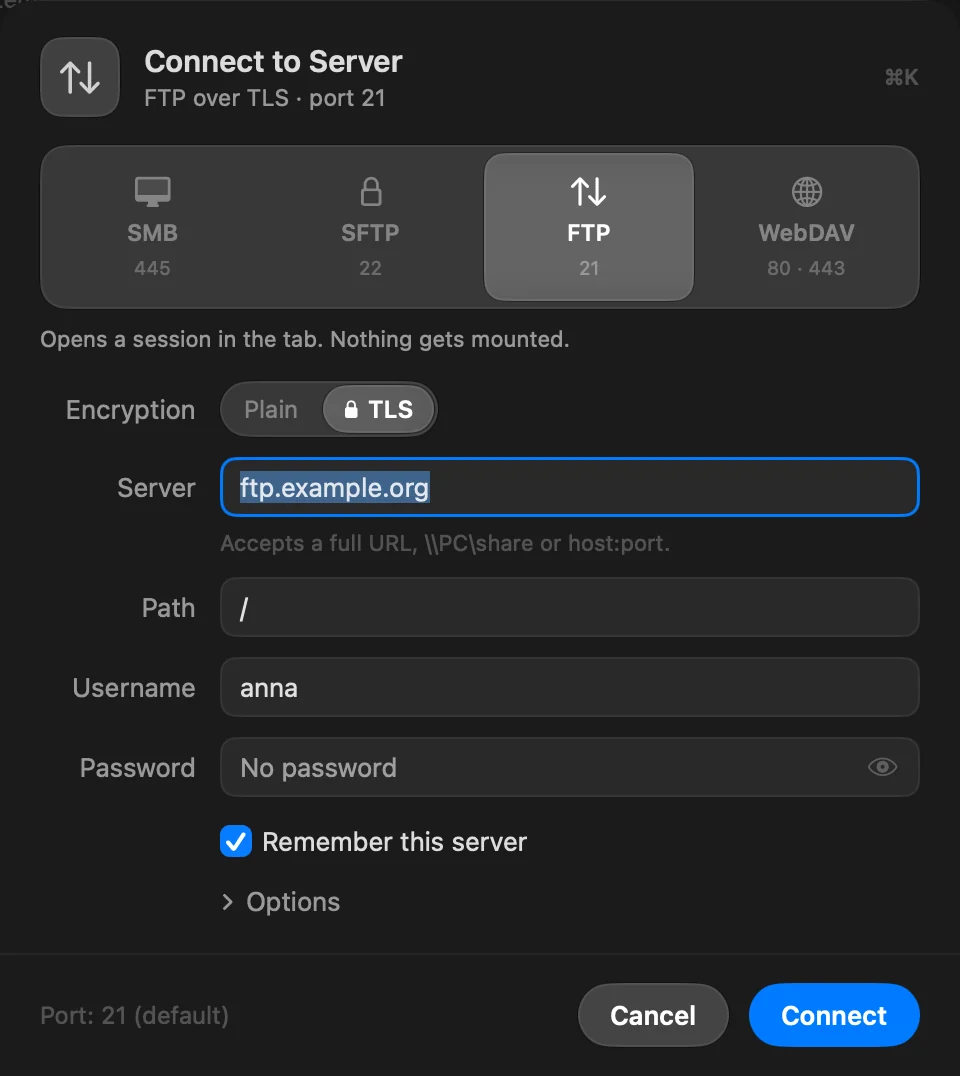
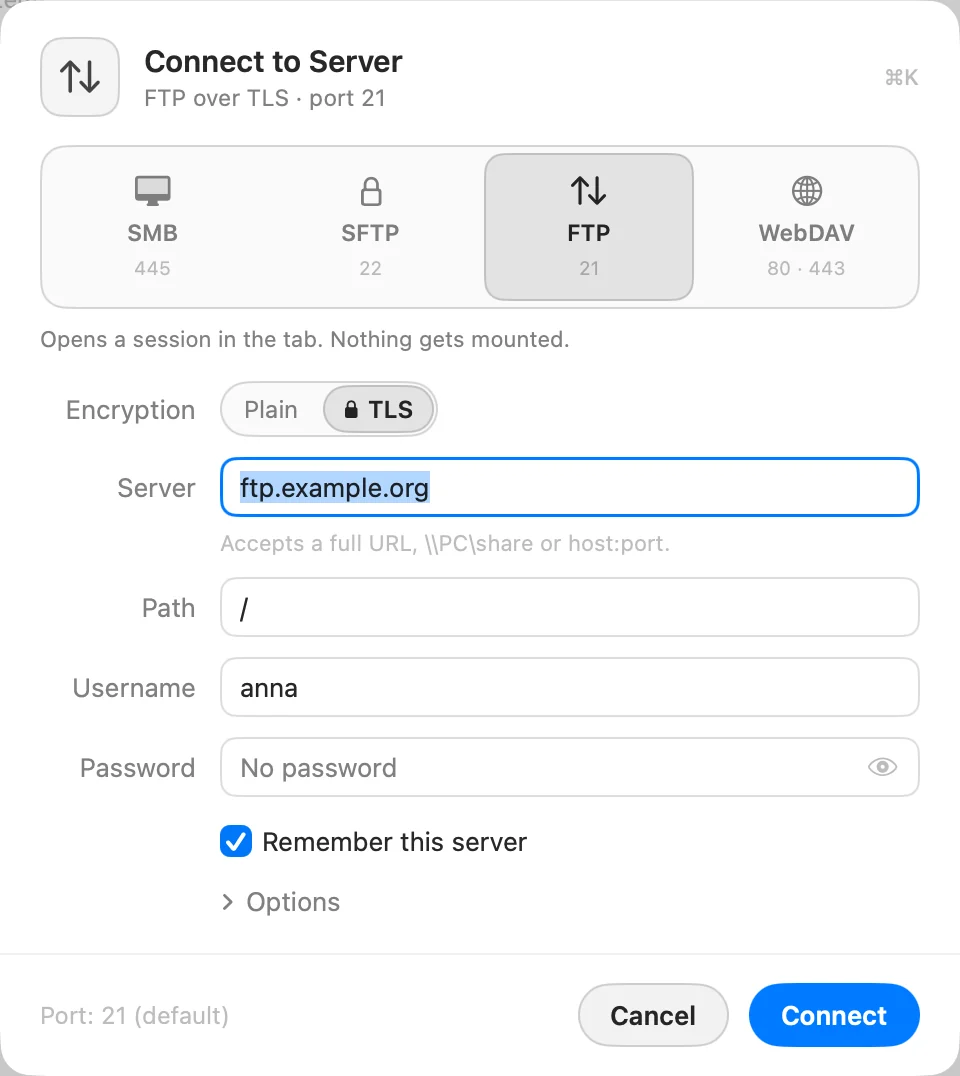
- Enter the server and your account
Leave Username empty to sign in as
anonymous, and Password empty for no password. For another port, open Options › Port. - Click Connect
The first time you connect with TLS, check the certificate’s fingerprint and click Trust and connect.
How DockDuck uses TLS
| Port | What DockDuck does |
|---|---|
| 990 | TLS from the first byte (implicit FTPS). |
| Any other port, such as 21 | Starts plain and switches to TLS with AUTH TLS (explicit FTPS). If the server stays silent waiting for TLS, DockDuck uses implicit TLS instead. |
DockDuck always uses passive mode for data connections. File names are read as UTF-8, and names an older server sends in another encoding still show correctly.
FTP replies you may see
| Message | What to do |
|---|---|
| The server rejected the username or password. | Check both. Some servers accept anonymous with any password. |
| This server doesn’t offer TLS on this port. Switch Encryption to Plain, or check the port. | The server refused AUTH TLS. Check the port, or use Plain only on a network you trust. |
| This server only accepts transfers that reuse the secure session, and only over TLS 1.3. | Ask the server’s owner to allow TLS 1.2 or to turn off session reuse, or use SFTP. |
| The data connection failed. Try again. | Try again. |
If plain FTP times out or is refused, the sheet offers Try TLS. More in Troubleshoot server connections.
Thanks, that helps us improve this page.