Annual & Lifetime
The two DockDuck Pro licenses side by side: what they share and how they differ.
On this page 3 sections
DockDuck has two Pro licenses, Pro Annual and Pro Lifetime. They unlock the same features and differ only in how long the license lasts.
| Pro Annual | Pro Lifetime | |
|---|---|---|
| Features | Everything in Pro | Everything in Pro |
| Macs | Up to 3 at a time | Up to 3 at a time |
| Lasts | One year from the day you buy it | No end date |
| In Settings → Account | Pro Annual with the days remaining | Pro Lifetime with a full bar and ∞ |
Pro Annual
A Pro Annual license runs for a year from the day you buy it. Settings → Account shows a bar with the days remaining.
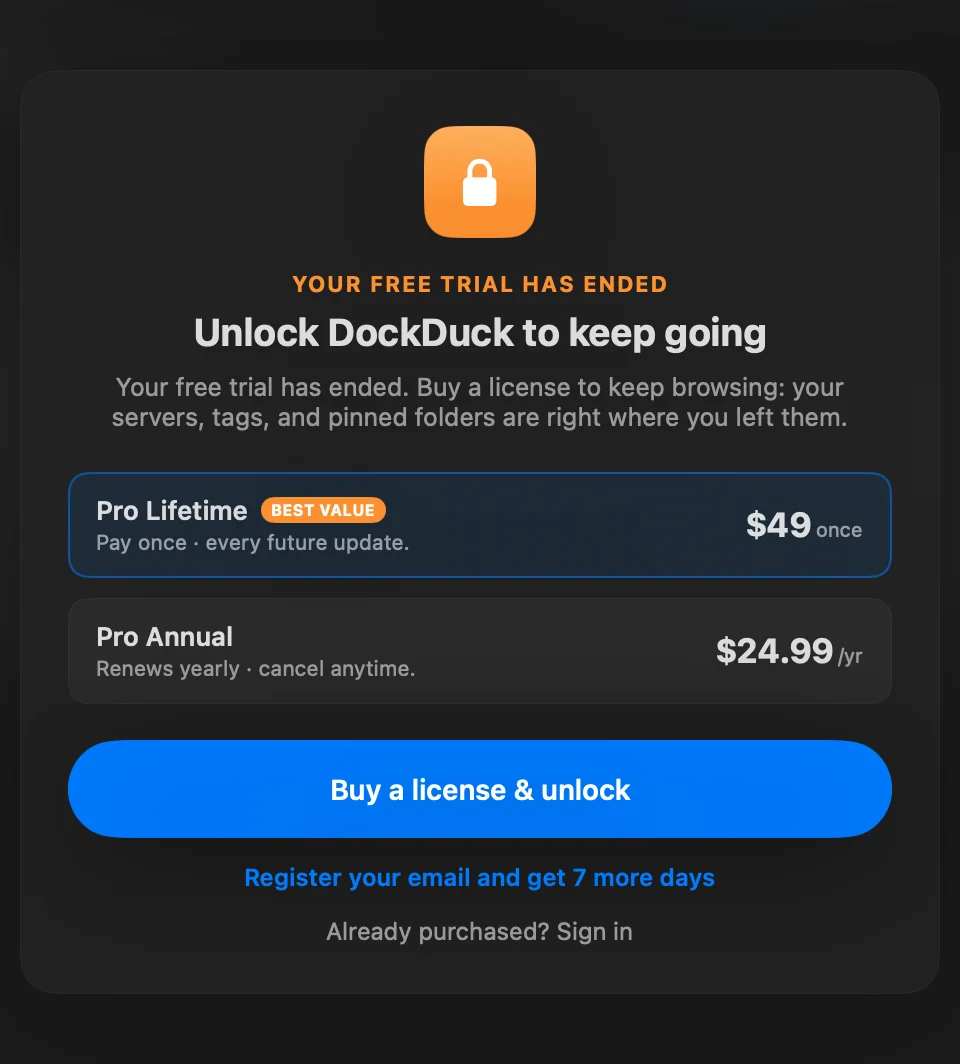
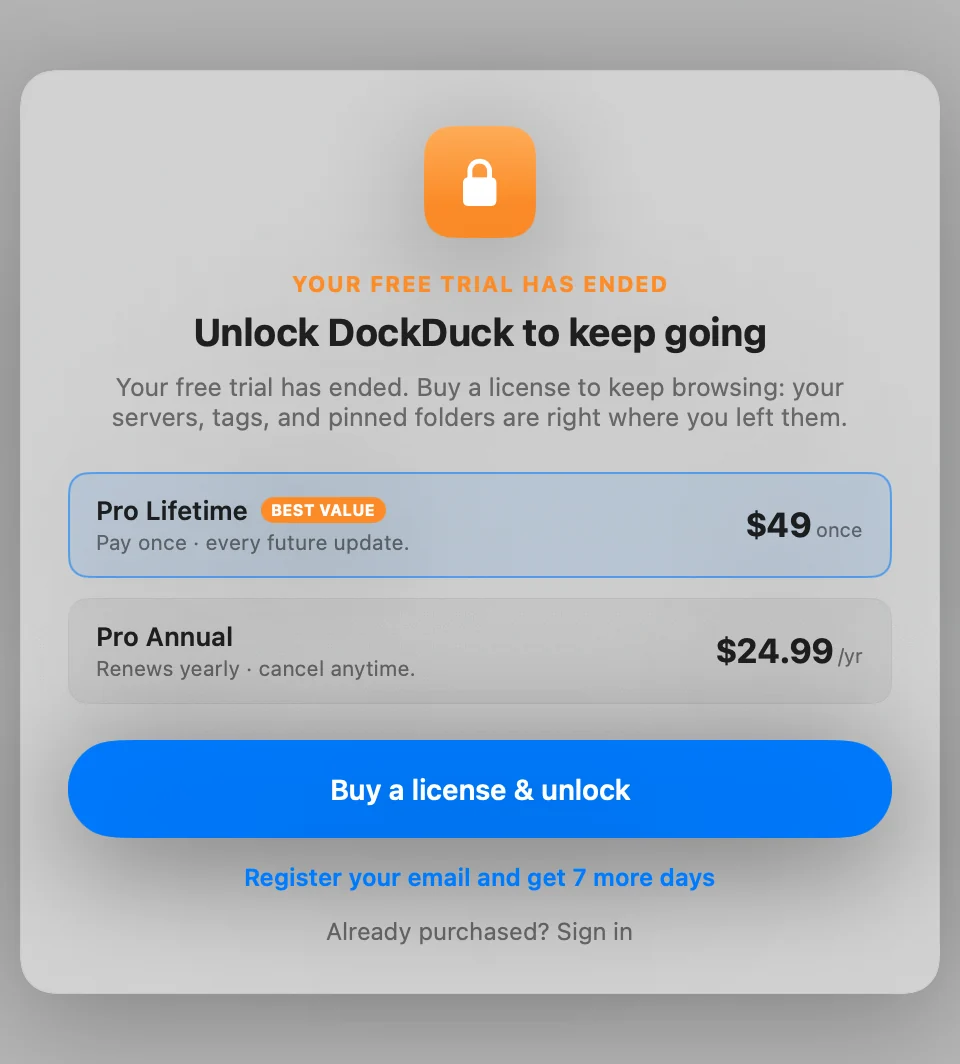
When it ends, DockDuck needs a license again, as it does when the trial ends. Your files, servers and settings stay as they are, and buying again or signing in to an account with an active license opens the app.
You can move from Pro Annual to Pro Lifetime at any time: click Upgrade in Settings → Account, or use your account on the web.
Pro Lifetime
A Pro Lifetime license has no end date. You pay once, and the license keeps working on up to 3 Macs.
Refunds
Every purchase, Annual or Lifetime, comes with a 14-day money-back guarantee. The Refund Policy explains how to ask for one. When a purchase is refunded, the license bought with it ends.
Thanks, that helps us improve this page.