Sharing privacy & security
How Send as Link encrypts your files, what DockDuck can and can't see, and when shared files are deleted.
On this page 7 sections
Every link made with Send as Link is end-to-end encrypted. There is no setting to turn encryption off. Shared files are kept only long enough to deliver them: Share is a way to transfer a copy, not cloud storage or a backup. Always keep your own copy.
How encryption works
- When you click Create Link, DockDuck makes a new random key for that link on your Mac.
- It encrypts the file with that key (AES-256-GCM) before anything is uploaded. The file’s name and type and the preview image are encrypted too.
- The key is added to the end of the link, after the
#sign. Browsers don’t send that part of a link to any server. - The recipient’s browser reads the key from the link and decrypts the file on their computer.
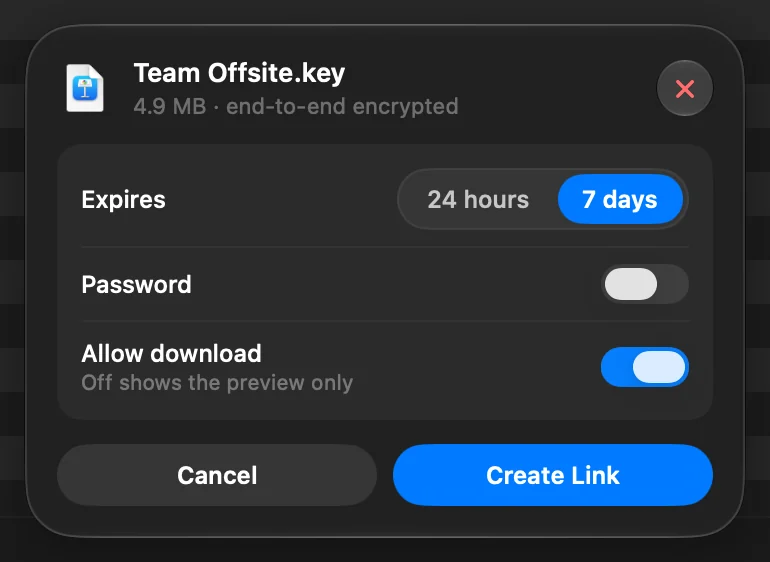
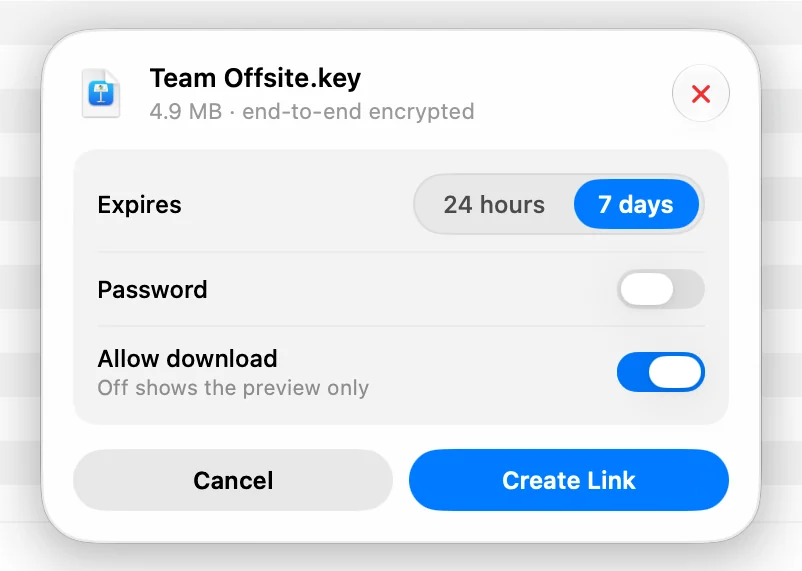
The key is also saved in your Mac’s keychain, so Links You Sent can show the full link and its QR code later. A link made on another Mac can be revoked from here, but not copied or opened.
What DockDuck can and can’t see
DockDuck can’t open, read or recover your files, and it can’t recover a lost link. To run Share, the server knows:
- the size of the encrypted upload and how many files it holds
- the general kind of file (image, video, document and so on), used for the icon on the page
- when the link expires, whether it has a password, and how many times it was downloaded
- your account, and your name if you leave Show my name to the recipient on
If someone gives DockDuck the full link, for example with a report, DockDuck can open that file.
Passwords
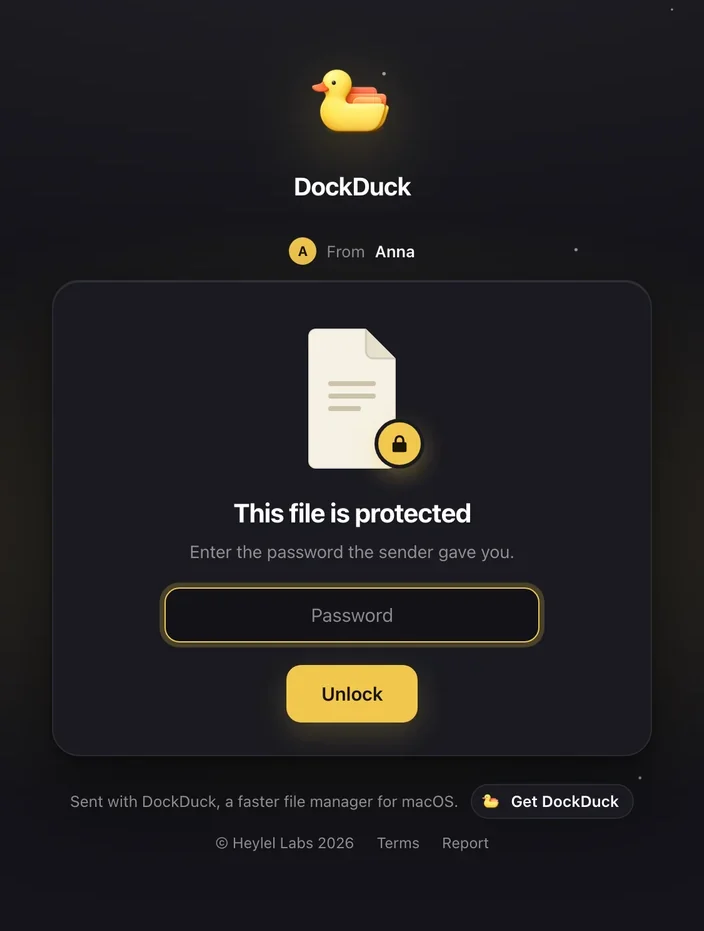
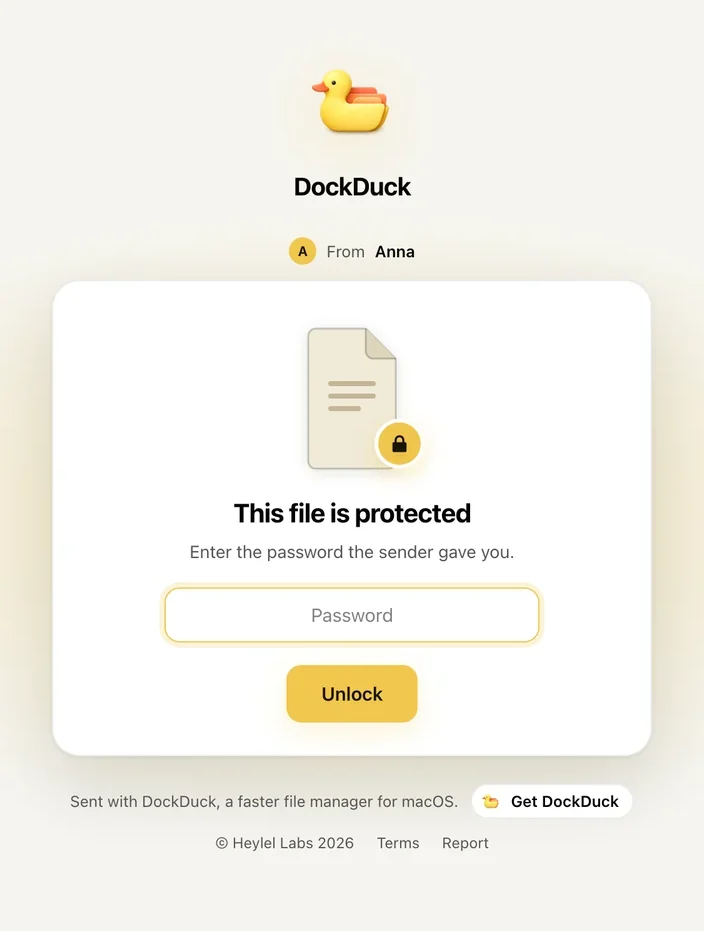
A password is an extra check on DockDuck’s servers, not part of the encryption. It must be at least 6 characters, and the server stores it only as a secure hash. After too many wrong attempts, the page asks the visitor to try again in a few minutes. A correct password lets that visitor download for an hour without typing it again.
Previews
For images, videos and documents, DockDuck makes a small JPEG preview on your Mac. It’s a new image, so it doesn’t carry the original’s metadata, such as location, camera or author. The preview is encrypted with the same key as the file.
Where files are stored and when they’re deleted
Encrypted files are stored with Cloudflare, DockDuck’s storage provider for Share. Uploads and downloads go straight between your Mac, the recipient and storage.
| What | When it’s deleted |
|---|---|
| The file | When you revoke the link, and never later than 7 days after upload |
| An upload that never finished | After 24 hours |
| The link’s details (dates, size, download count, reports) | 60 days after the link expires |
When a link expires or you revoke it, it stops working immediately for everyone. DockDuck keeps no backups of shared files.
What recipients see
Recipients don’t need an account or the app. They see the file’s name, the preview, when the link expires, and your name if you chose to show it. They never see your email address. Share pages have no advertising trackers.
Each page has a Report button. If several people report a link, it’s paused while DockDuck reviews it, and Links You Sent shows it as Paused.
Where to go next
- Send a file as a link: limits, defaults and messages.
- Manage shared links: change a password or revoke a link.
- Privacy: what DockDuck does with your data in general.
- The full rules for Share are in Part B of the Terms of Service.
Thanks, that helps us improve this page.