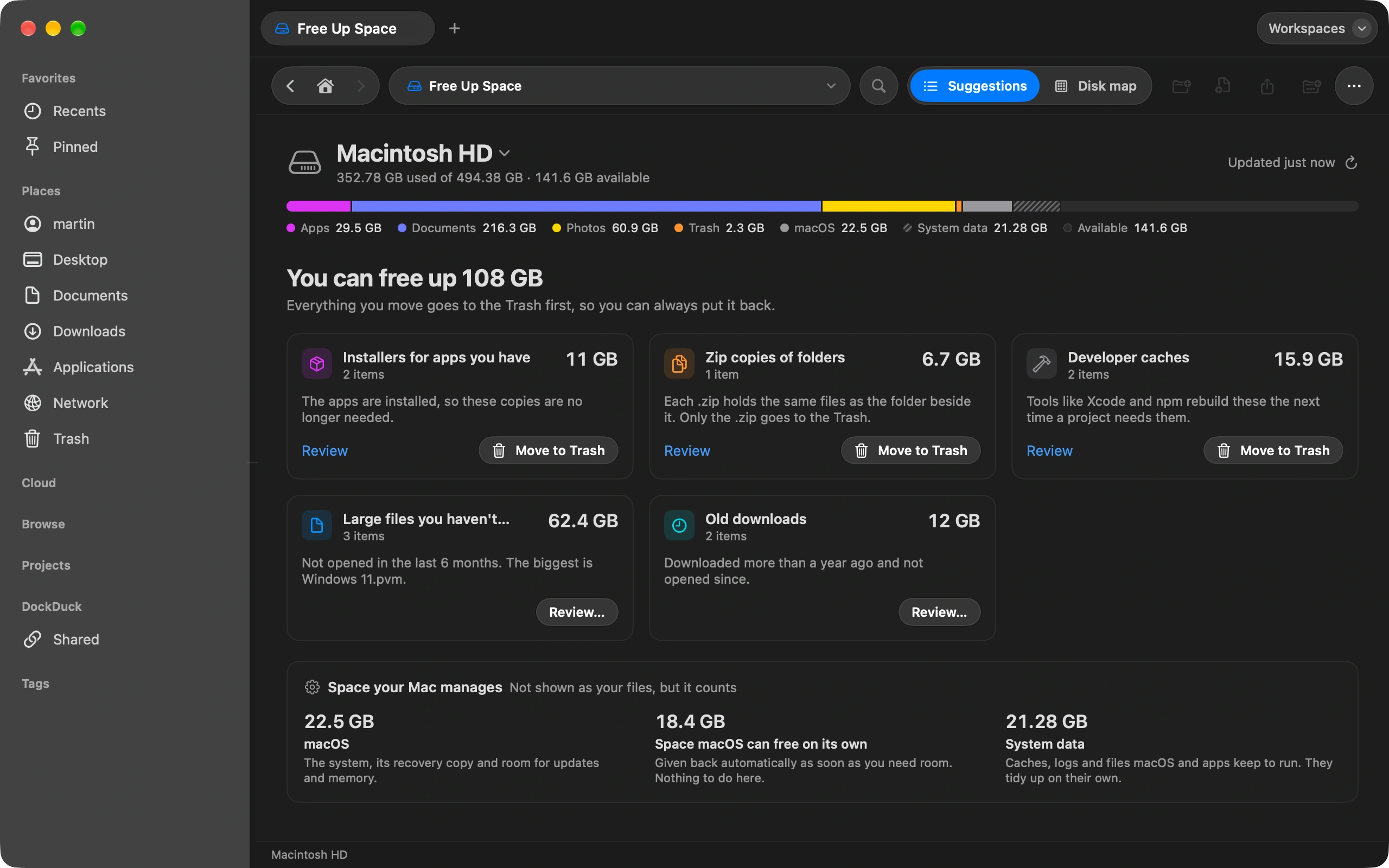
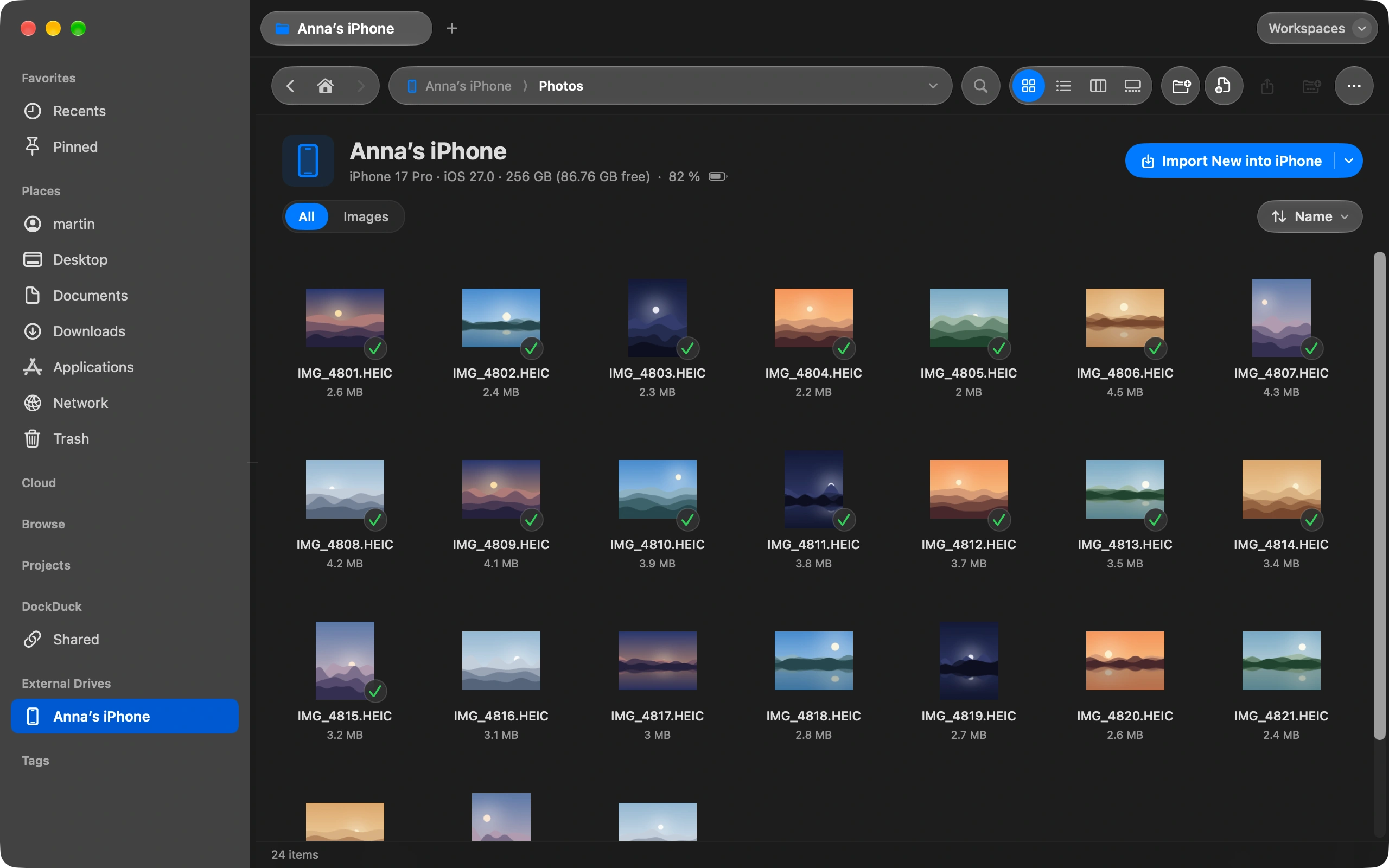
The file manager Finder should've been.

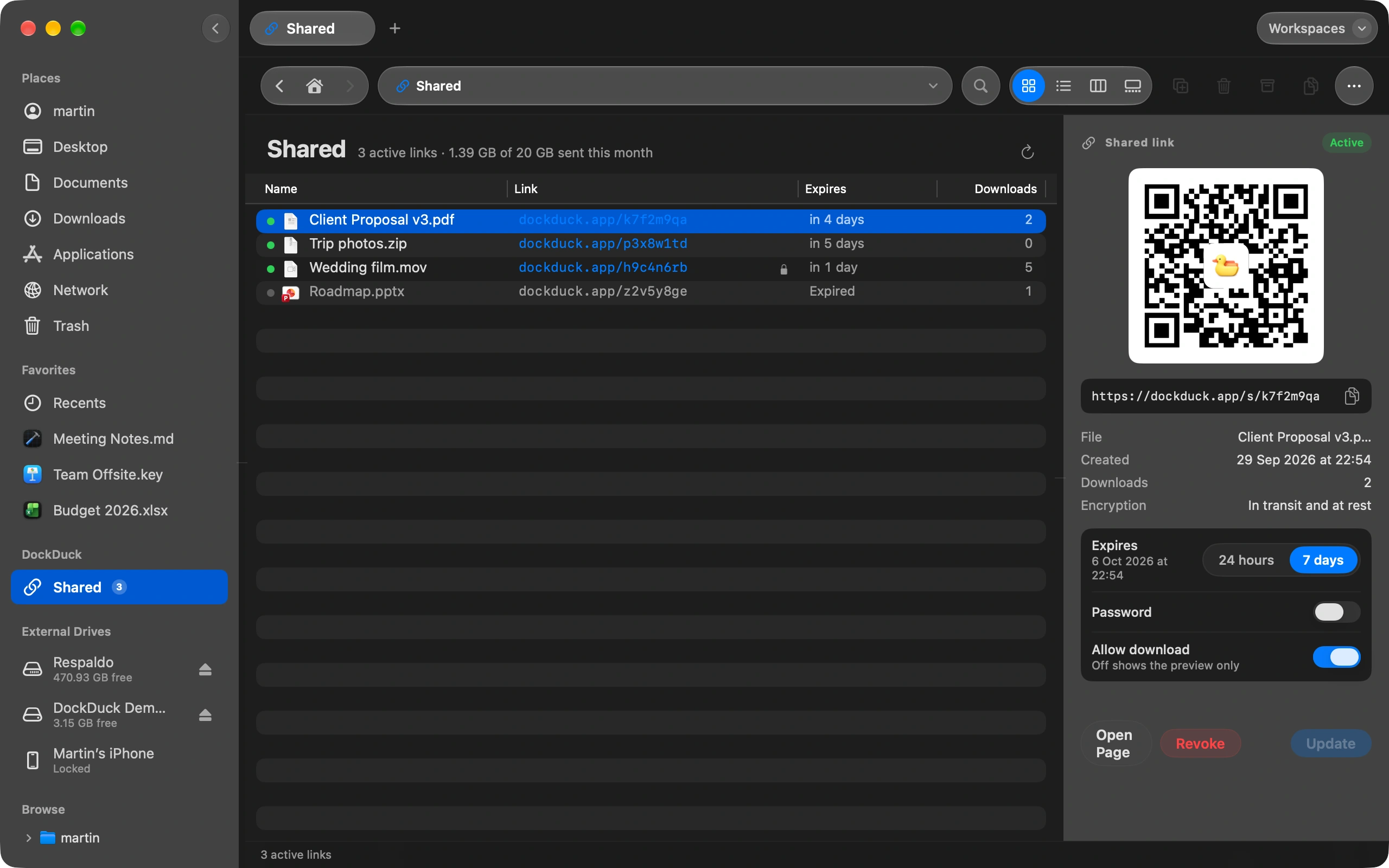
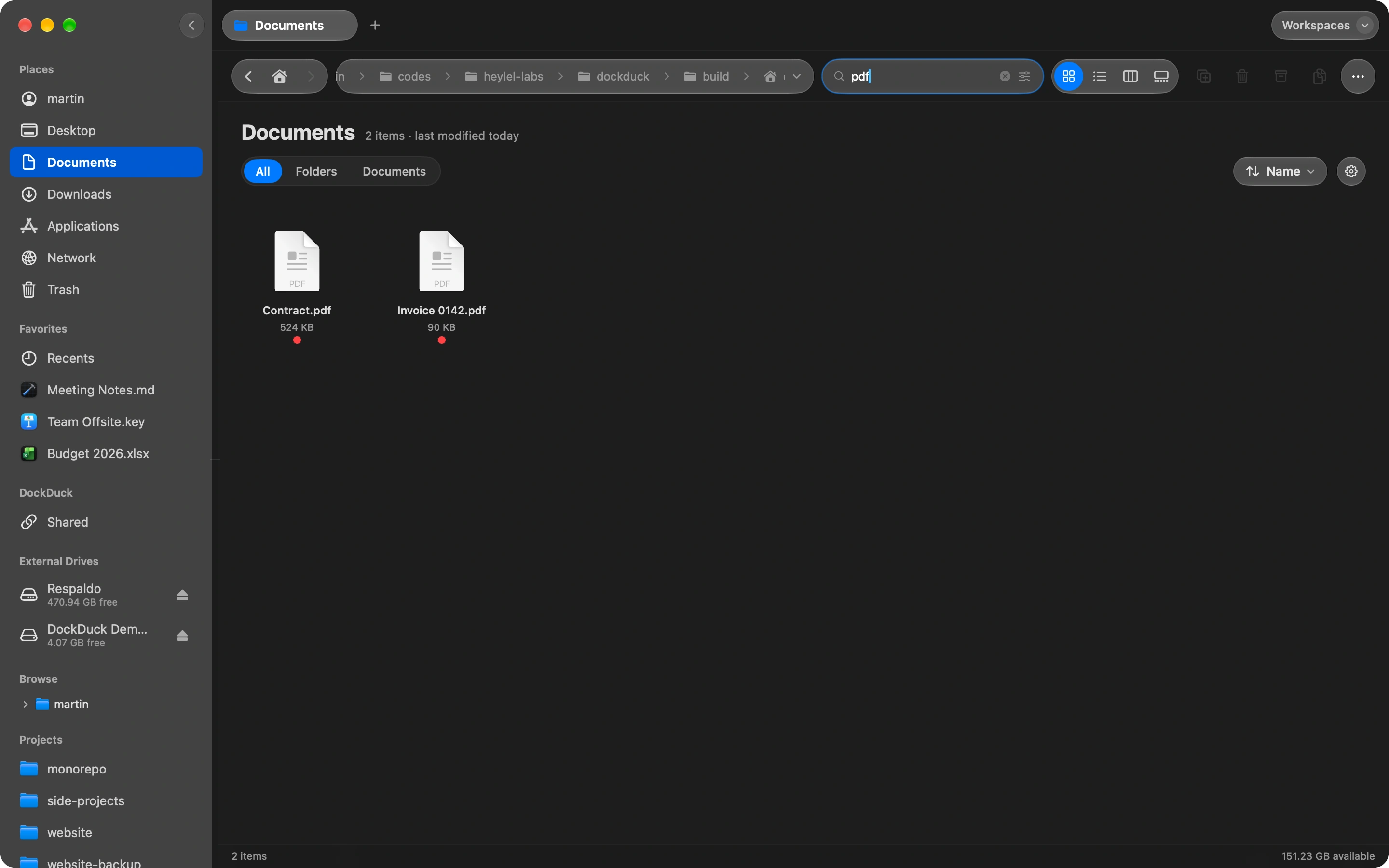
A native macOS file manager built for people who live in their files. Multi-tab browsing, keyboard-first navigation, and a Start Page that finally makes sense.

No spam. One email when early access opens.

Inicio 02 Designs 03 Build
Inicio
Search files, folders, tags… ⌘K
02 Designs 28 files · 2 min ago
03 Build 156 files · today
04 Ship 12 files · yesterday
Notes 8 files · 3 days ago
Name Modified Size
PDF spec-v3.pdf 2 min ago 2.4 MB
TS auth.service.ts 12 min ago 8.1 KB
FIG landing-v2.fig 38 min ago 12.7 MB
MOV walkthrough.mov today 48.2 MB
Built for power users

Everything Finder won't.

Five things you'll notice in the first five minutes — and never want to give up after.

Performance

Native, not Electron.

Built in Swift with a native macOS rendering pipeline. No Chromium, no 200MB bundle, no fan spinning. DockDuck launches in under 50 ms and scrolls a folder of 10,000 files at 120 Hz.

  • Cold launch in 38ms on M2 Air, 24ms on M4 Pro
  • 18 MB binary, no Helper processes
  • Apple Silicon native, Intel supported
cold_launch_ms
DockDuck38
Finder112
Path Finder237
Electron file mgr680
measured on M2 Air · cold disk cache · n=20
Start Page

A home that knows what you're working on.

Every new tab opens to your Start Page — a smart layout that surfaces what you touched recently, the folders you live in, and your pinned shortcuts. No more navigating from /Users/you/ every single time.

  • Recent files learned from behavior, not just timestamps
  • Quick Access — your 6 most-used system folders
  • Pin folders, tags, or smart searches
Quick Access
Recent
PDF spec-v3.pdf
TS auth.service.ts
FIG landing-v2.fig
Tabs

Tabs that finally work.

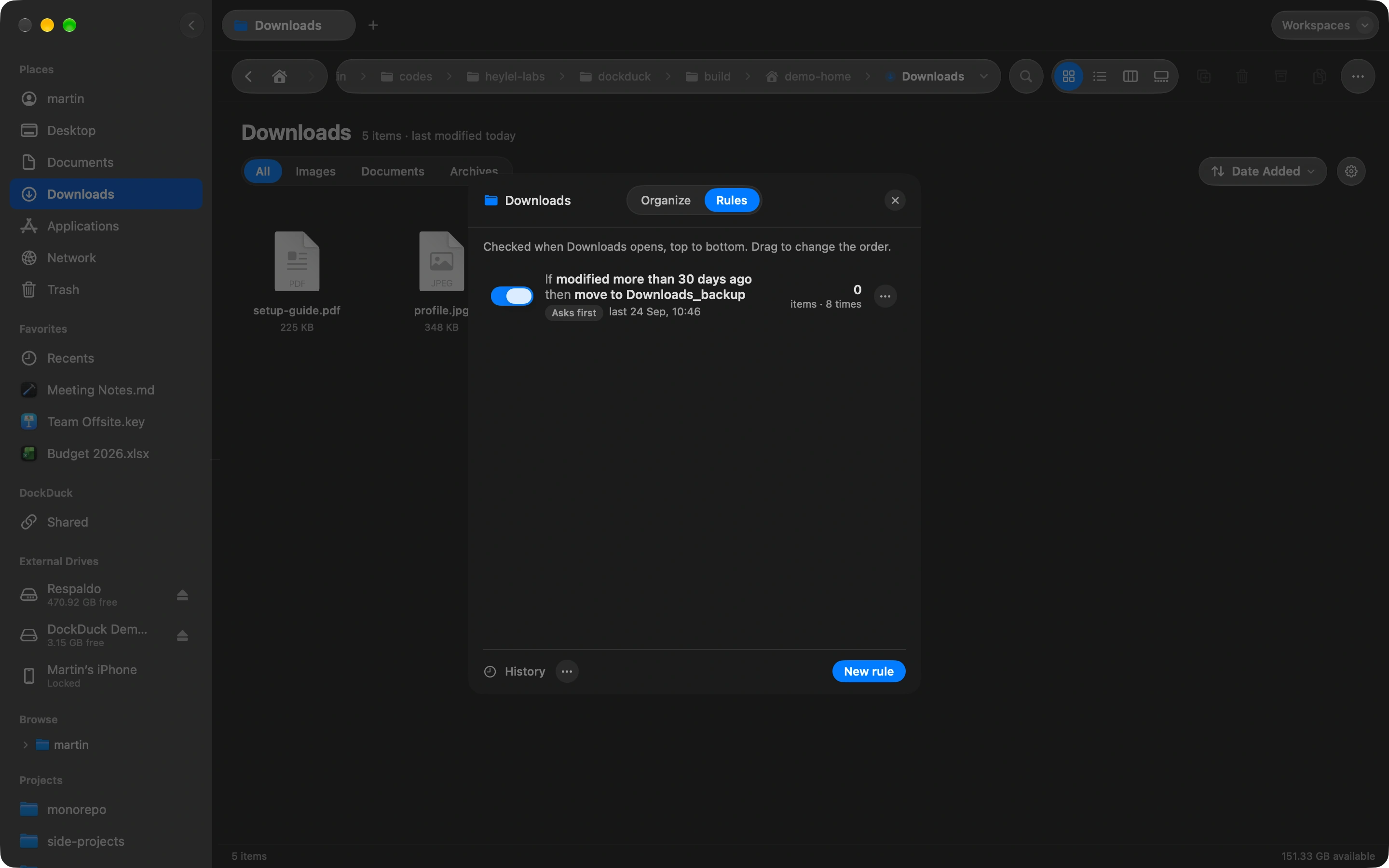
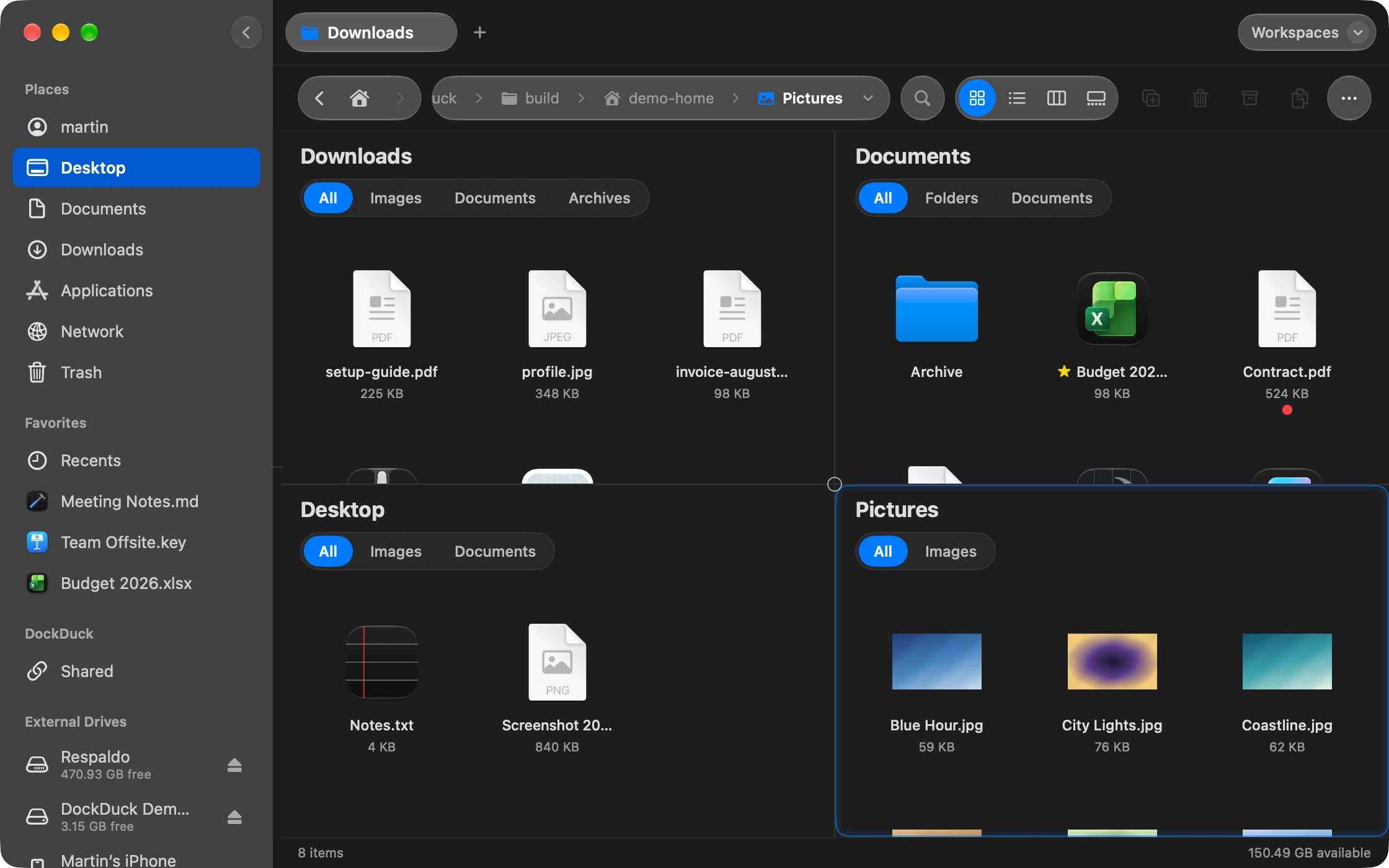
Open ten projects in one window. Tear a tab into its own window. Drag files between tabs. Keep your workspace organized the way you organize the rest of your day — and pick up exactly where you left off when you relaunch.

  • Color-coded tabs per project
  • Tear tabs into separate windows
  • Drag-and-drop between tabs
  • Sessions restored on relaunch
Inicio 02 Designs 03 Build 04 Ship Notes Inbox
Keyboard

Your hands never have to leave the keys.

⌘K opens an inline command palette that fuzzy-matches across files, folders, tags, and actions. Every navigation, every selection, every operation has a keyboard shortcut. Remap any of them to whatever your fingers already know.

  • Command palette with fuzzy search
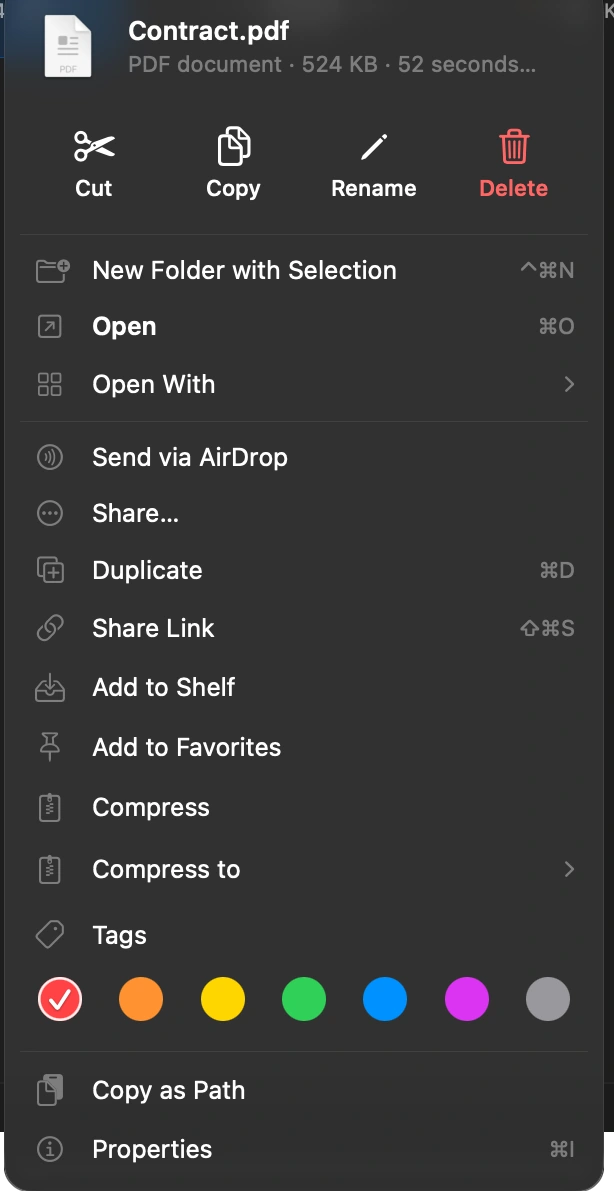
  • Every action is bindable — even your custom ones
  • Vim-style modes available (j/k/h/l)
aut
TS auth.service.ts src/modules/auth
TS auth.controller.ts src/modules/auth
MD authentication.md docs/
↑↓ navigate open ⌘↵ reveal
Preview

Preview anything. Without opening anything.

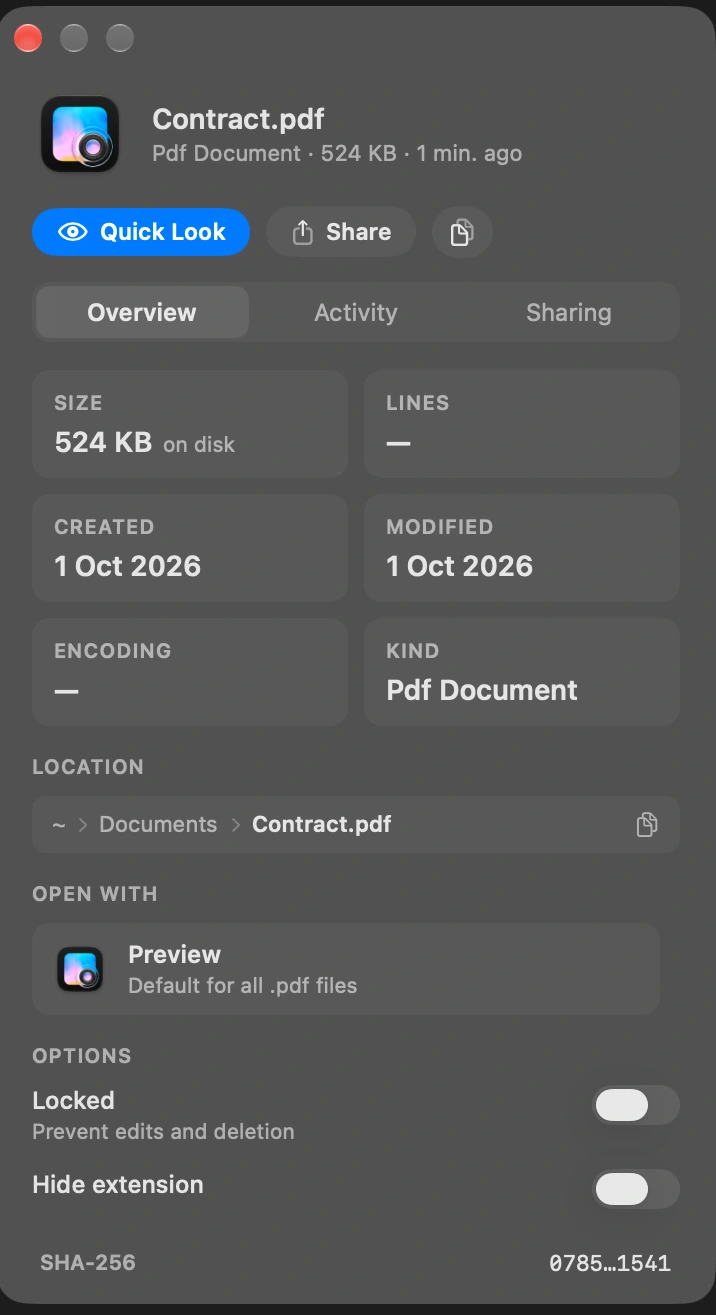
Press space on any file to see a high-fidelity preview — code with syntax highlighting, video with scrubbing, PDFs that paginate. Plus metadata that actually means something: dimensions, codec, line count, dependencies.

  • 40+ filetypes with rich previews
  • Code highlighting with Tree-sitter
  • Metadata sidebar with technical detail
TS auth.service.ts 8.1 KB · 246 lines
@Injectable()
export class AuthService {
  async signup(input: SignupInput): Promise<AuthSession> {
    const passwordHash = await this.passwords.hash(input.password);

    if (await this.users.exists(input.email)) {
      throw new AppException(EMAIL_EXISTS, ...);
    }

    // …
By the numbers

Numbers that matter when you live in your file manager.

38 ms
Cold launch on M2 Air. Faster than your terminal opens.
18 MB
Binary size. No 200 MB Electron bundle. Single Helper-free process.
120 Hz
Scroll smoothness. 10,000 files, no jank. Tested on M-series ProMotion.
0
Trackers. No analytics SDKs, no telemetry that calls home without opt-in.
Built in public

Made by someone who reads ls -lah for fun.

DockDuck is being built one keyboard shortcut at a time. Every design decision, every benchmark, every painful refactor — out in the open. No marketing fluff, no growth-hacked launch. Just a file manager I want to use, and a small audience that wants to use it with me.

Follow the build on X Join the waitlist
Get in early

Stop fighting Finder.

We're shipping DockDuck to early users this quarter. Drop your email and you'll be first in line — no spam, no marketing list resale, just a single notification when early access opens.

Requires macOS 14 Sonoma or later · Universal binary · 18 MB