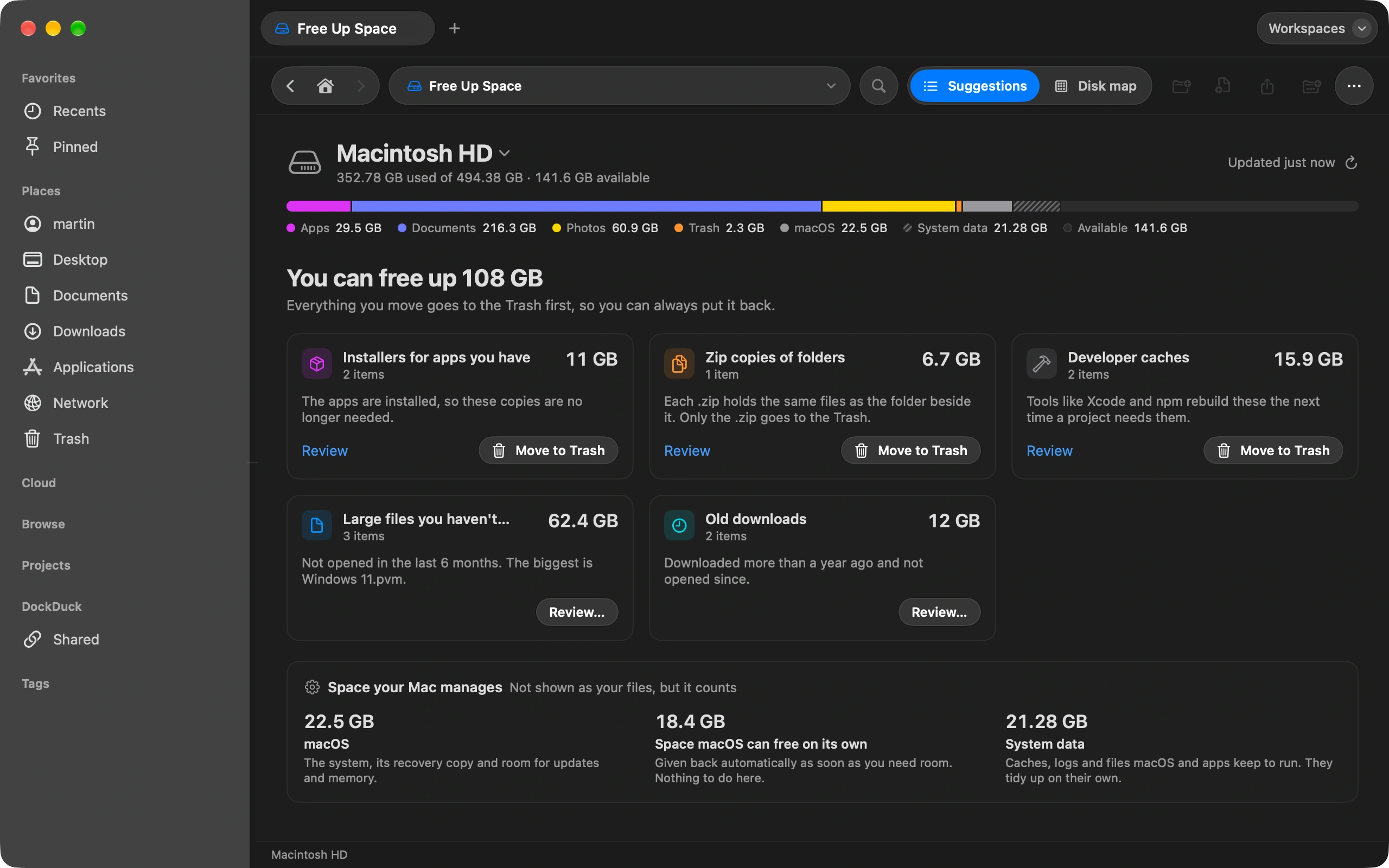
Camera exports, scans, screenshots: the names are never the ones you want. Batch rename fixes a whole folder in one go, with a preview of every result.
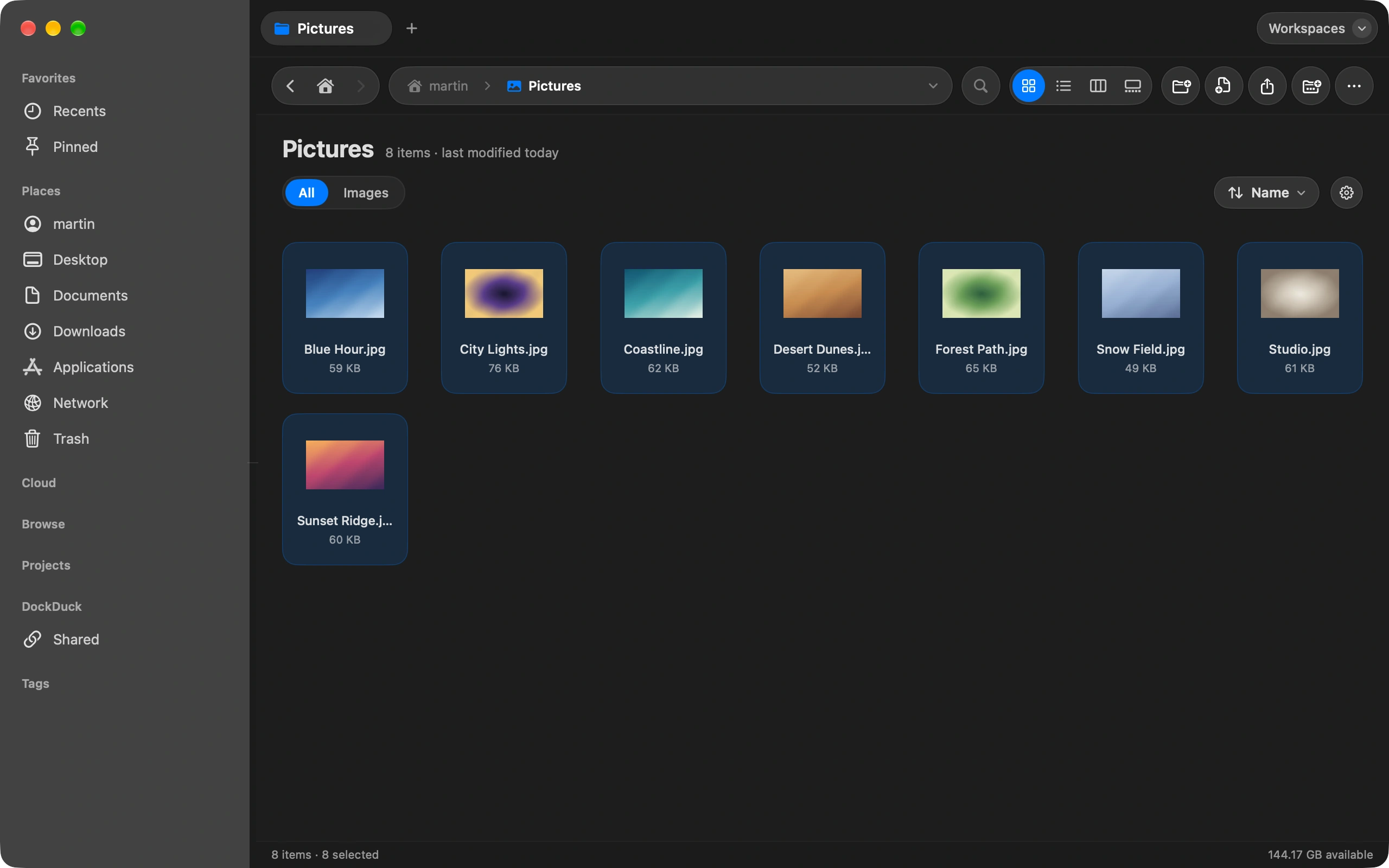
Select the files
Two or more. A single file gets the inline rename instead.
Choose Rename
Right-click the selection and choose Rename. The sheet opens with every file listed.
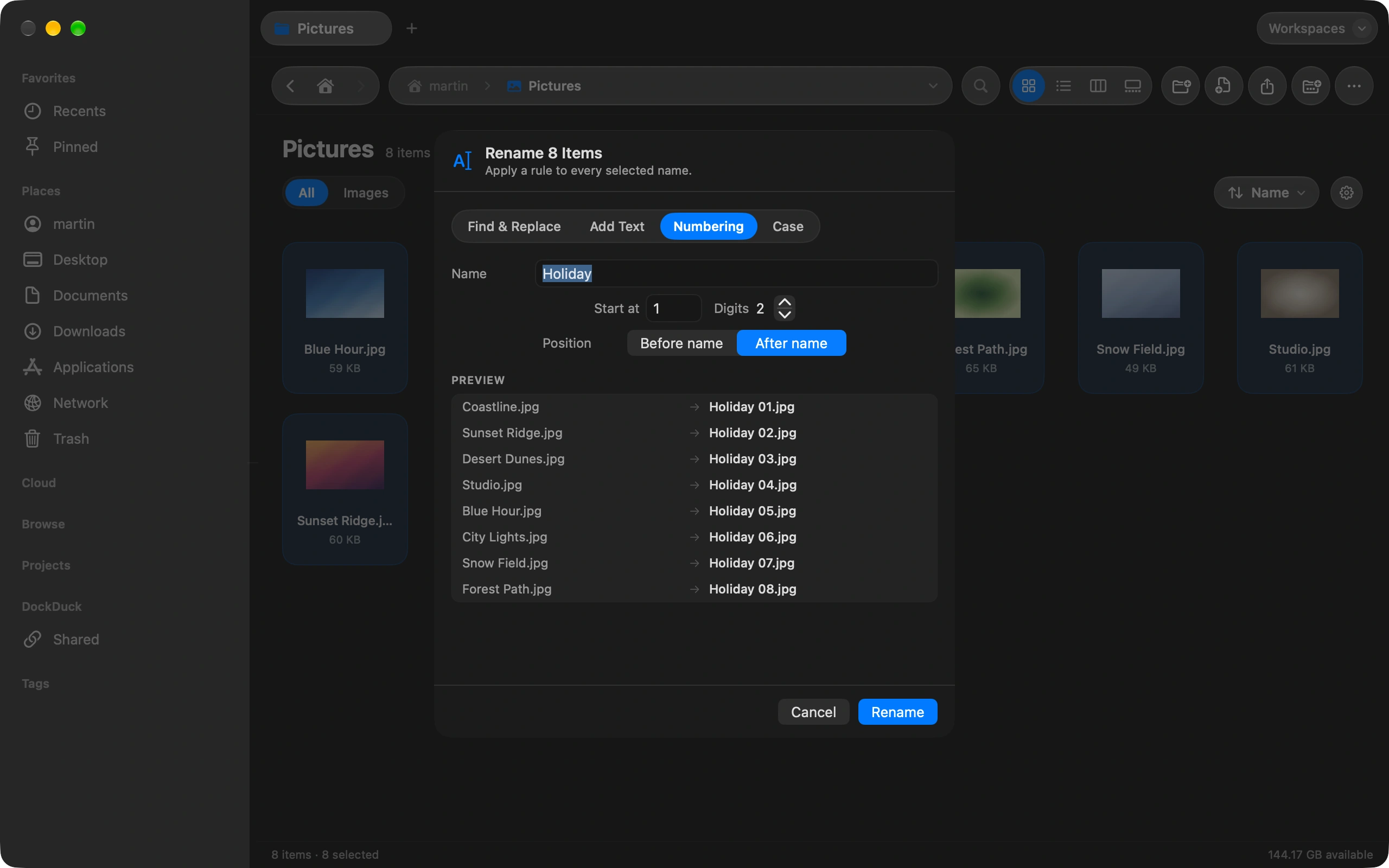
Pick a mode
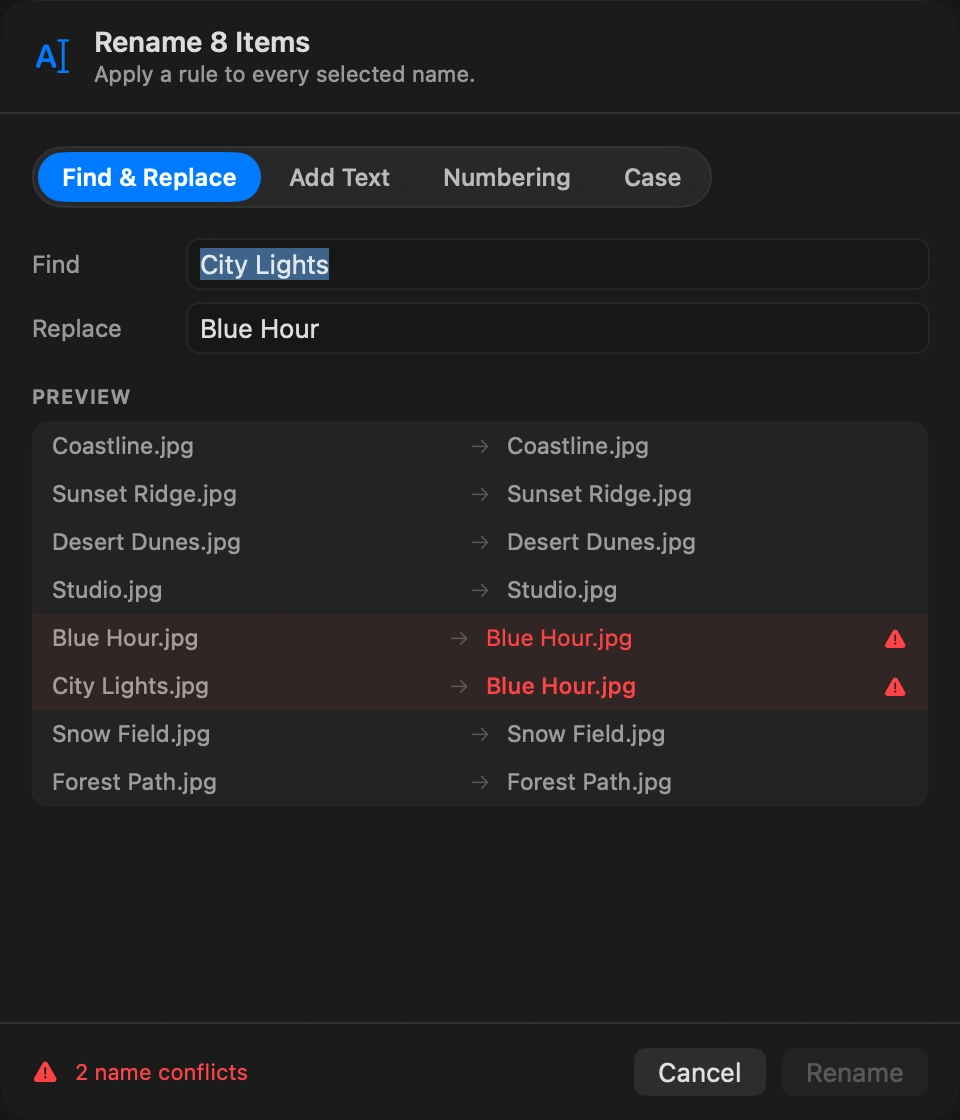
Find & Replace swaps text in every name. Add Text puts a prefix or a suffix. Numbering appends a running number with zero padding. Case recases the names. Date and counter tokens let a pattern like 2026-10-03 Holiday 01 come from the file itself.
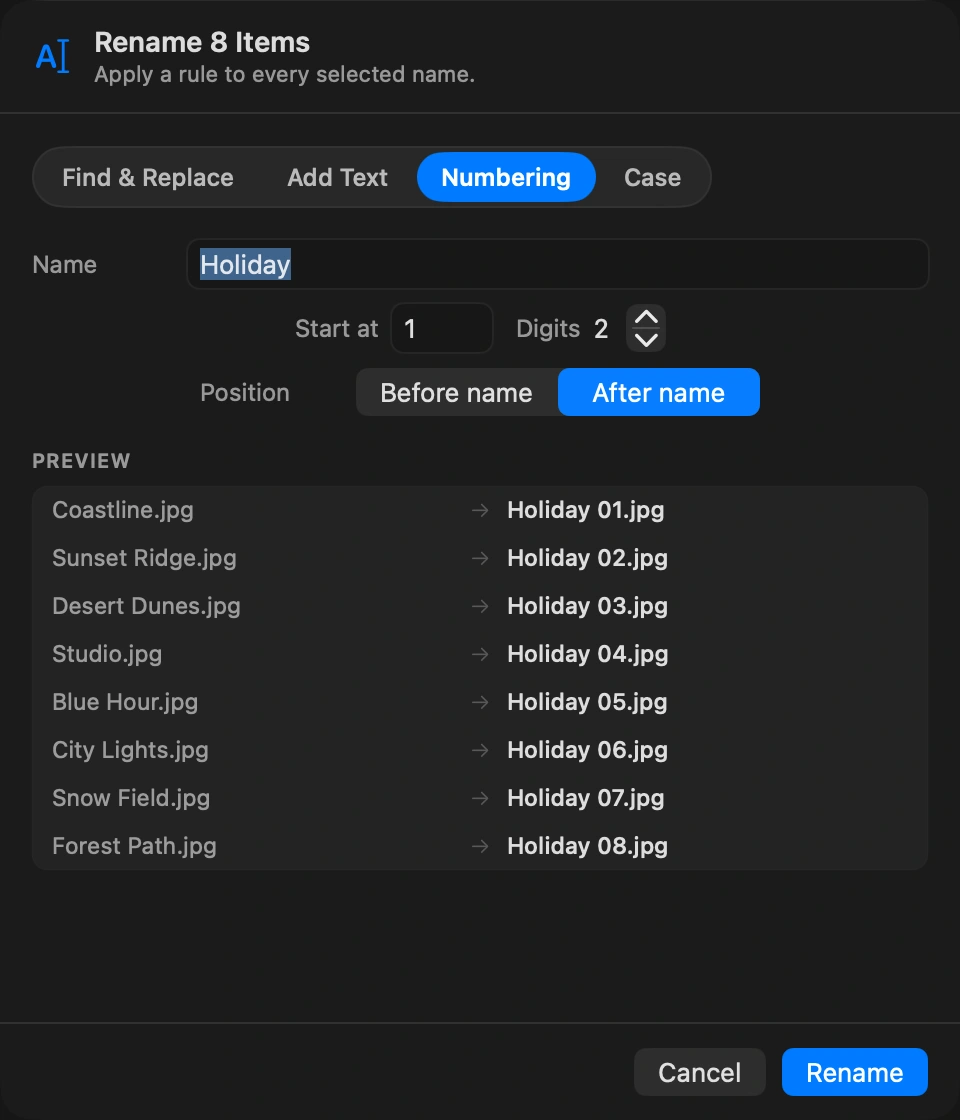
Check the preview
Every file shows its current name and the new one side by side. Two files that would end up with the same name are flagged before you apply.
Apply
Click Rename. The whole batch is one undo step, so one shortcut restores every name at once. ⌘Z
Good to know
- The extension stays put in Add Text, Numbering and Case. Find & Replace works on the whole name, so you can fix extensions too.
- Batch rename has no default shortcut. Assign one in Settings if you rename in bulk often.
- A folder rule can rename files on arrival with the same tokens.
Finder and DockDuck
Finder’s rename dialog has three modes and no warning for collisions.
Four modes, date and counter tokens, every result previewed, one undo.
Questions people ask
- Can I rename photos by the date they were taken?
- Yes. The date token reads the date from the file, so a pattern like {date} Holiday {counter} turns IMG_1234.jpg into 2026-10-03 Holiday 01.jpg. Files sort in the order they were shot, in any app.
- What happens if two files would get the same name?
- The preview flags both before you apply, so nothing is overwritten. Add a counter to the pattern or adjust the rule, and the flag goes away.
- Can I undo a batch rename?
- Yes, with one Undo. The whole batch is a single step, so every file gets its original name back at once, even hundreds of them.

Try DockDuck on your Mac
Download for MacFree 14-day trial. No account and no card required.
Keep reading
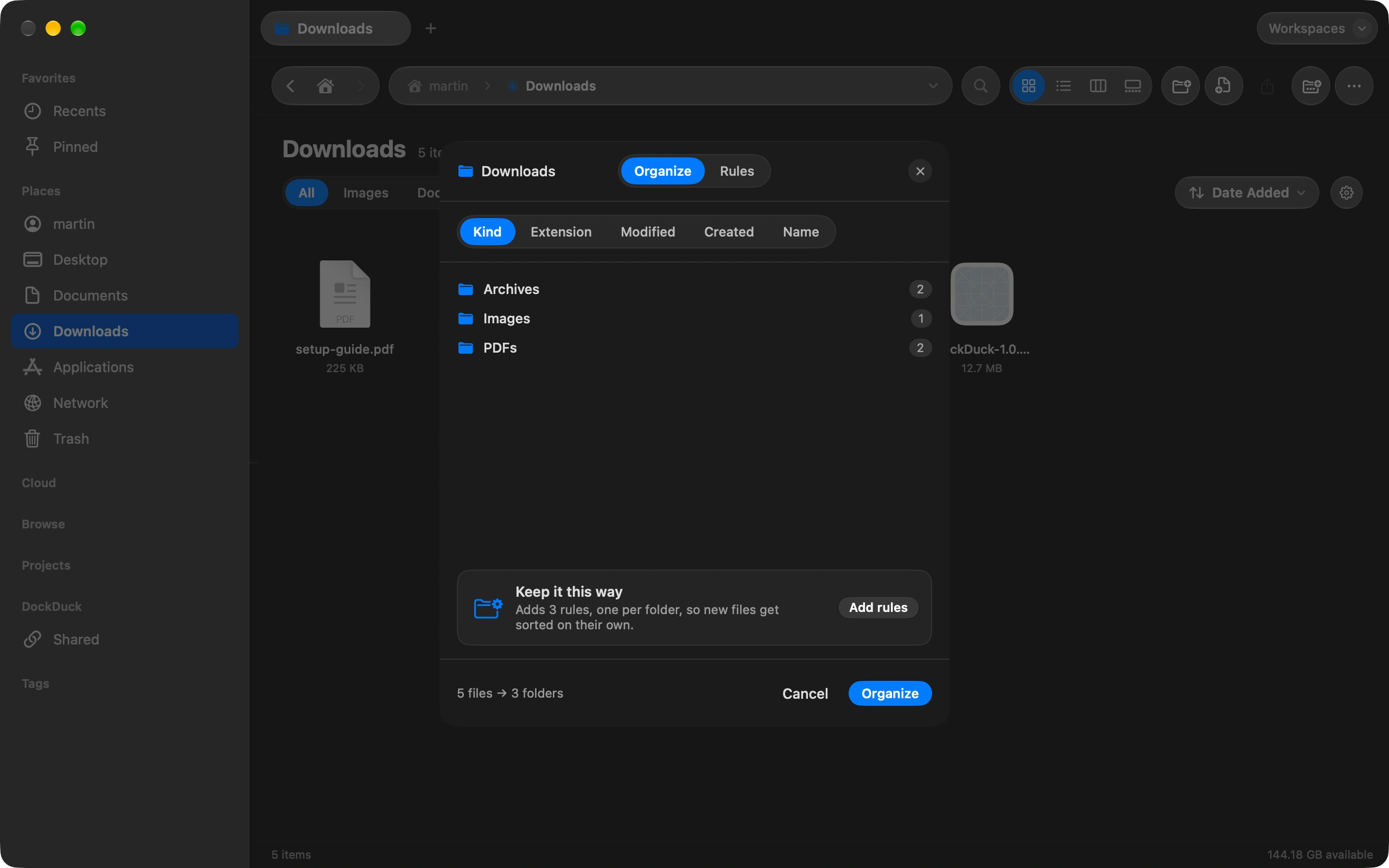
All guidesHow to keep your Downloads folder tidy automatically
Sort Downloads once, then let rules keep it that way on their own.
How to send a large file from your Mac
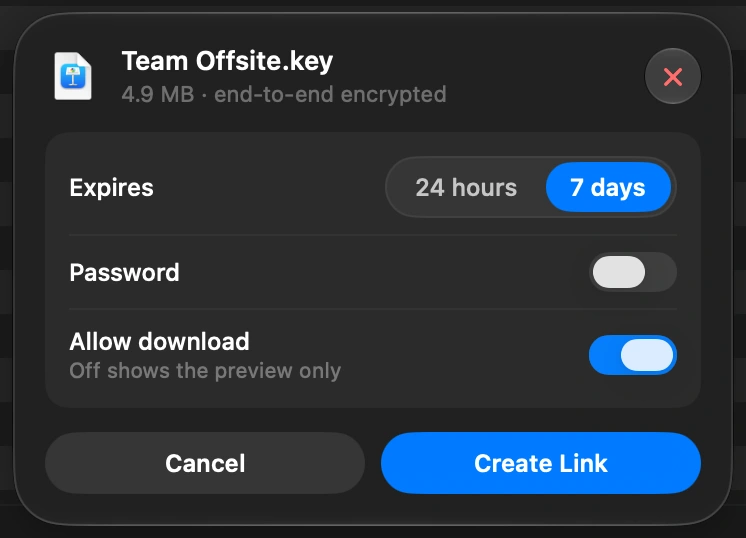
Select the file in DockDuck and choose Share Link. You get a link to send to anyone, and they open it in any browser.
How to see what is taking up space on your Mac
Free Up Space shows what fills your disk and what is safe to remove.