Send a big file as a link.
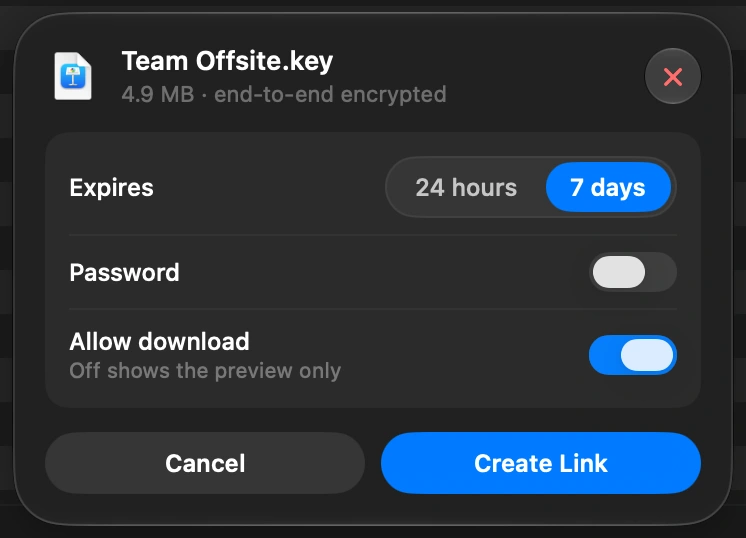
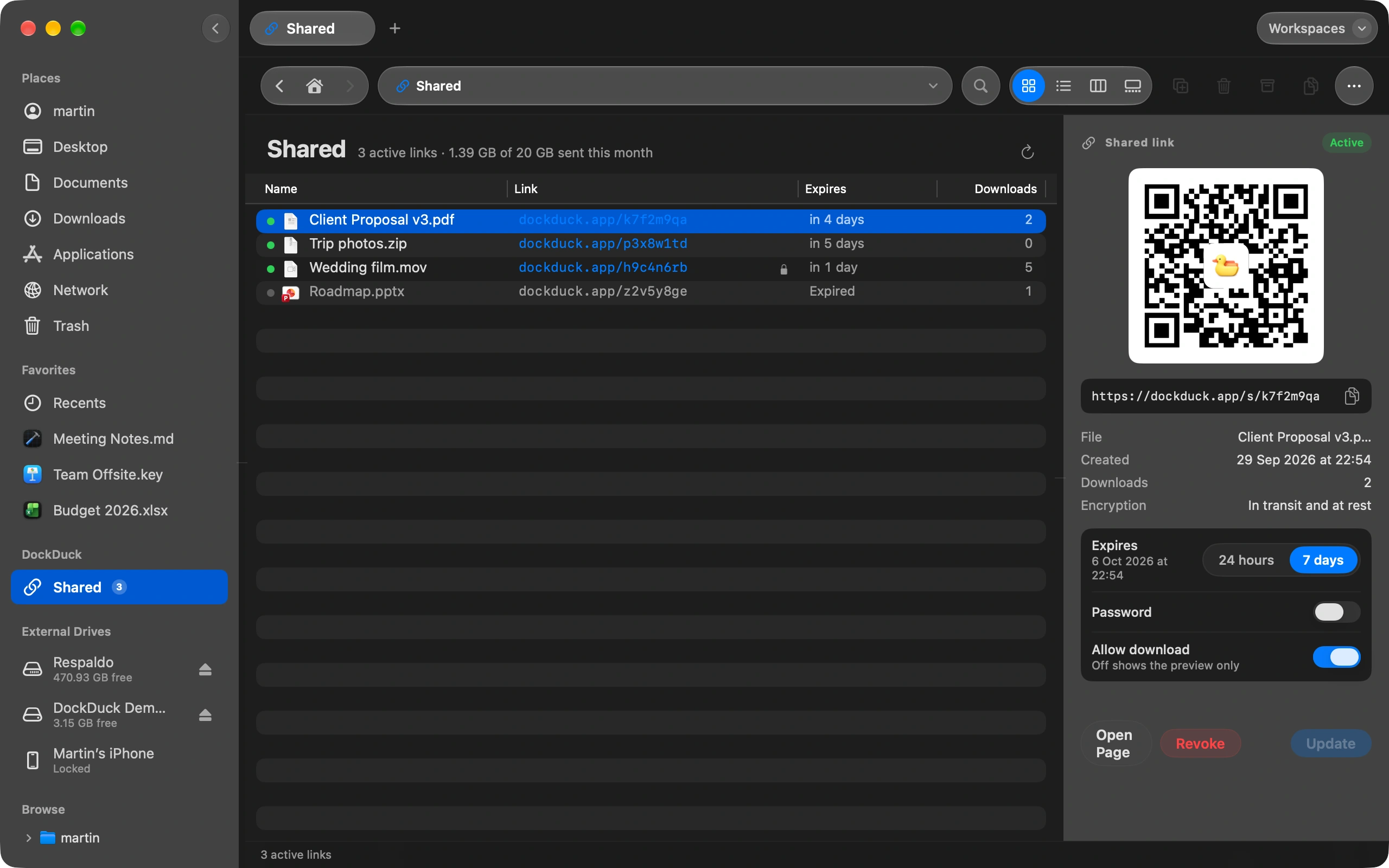
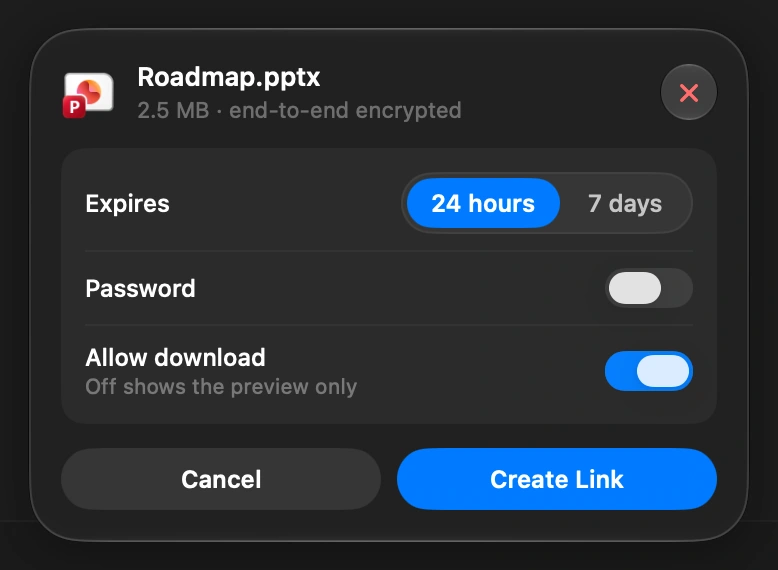
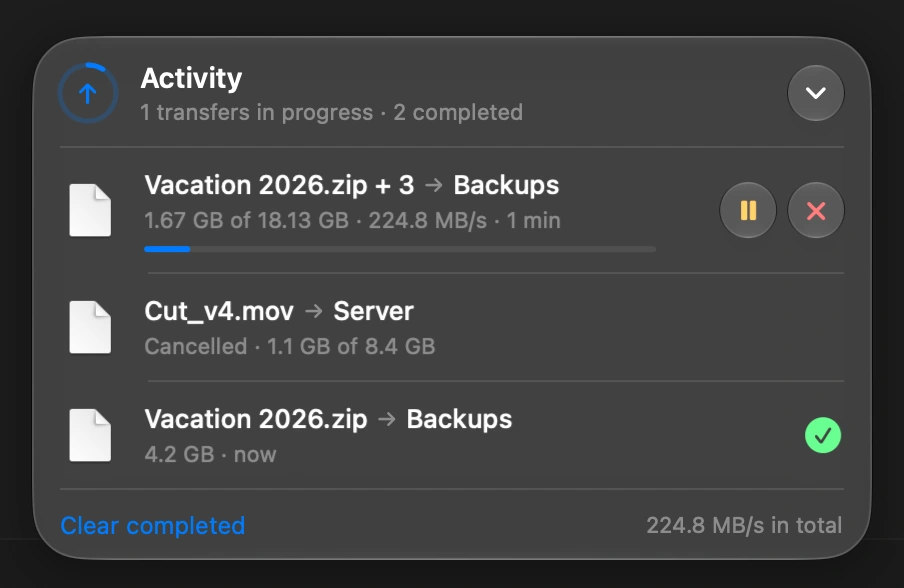
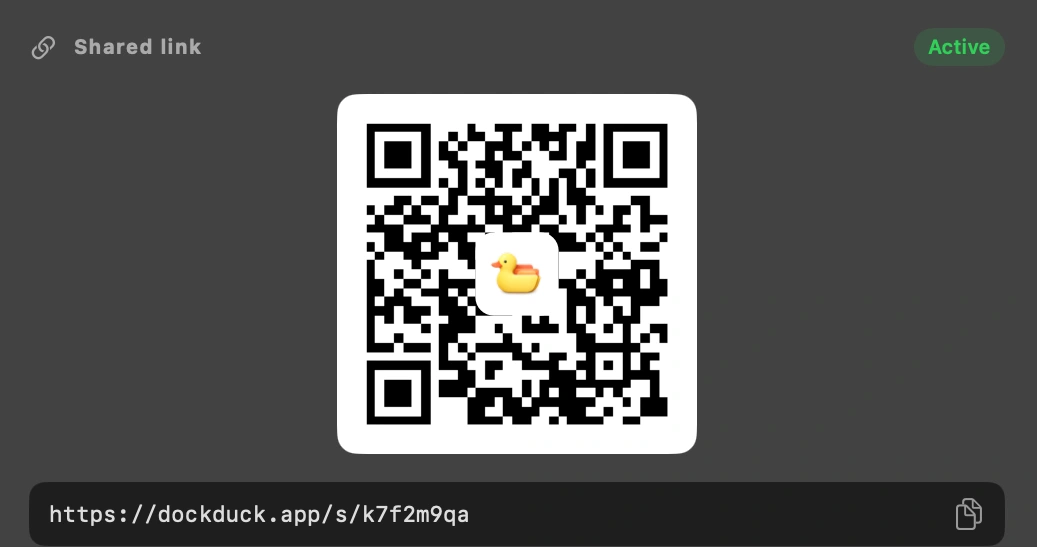
Choose a file and how long the link should last. It is encrypted before it uploads and opens in any browser.
No wall of settings. No three hundred integrations. Just your files and the fastest way to get things done with them. It looks simple because the hard part is already done for you.
Free 14-day trial · macOS 15+ · Apple Silicon & Intel
Choose a file and how long the link should last. It is encrypted before it uploads and opens in any browser.
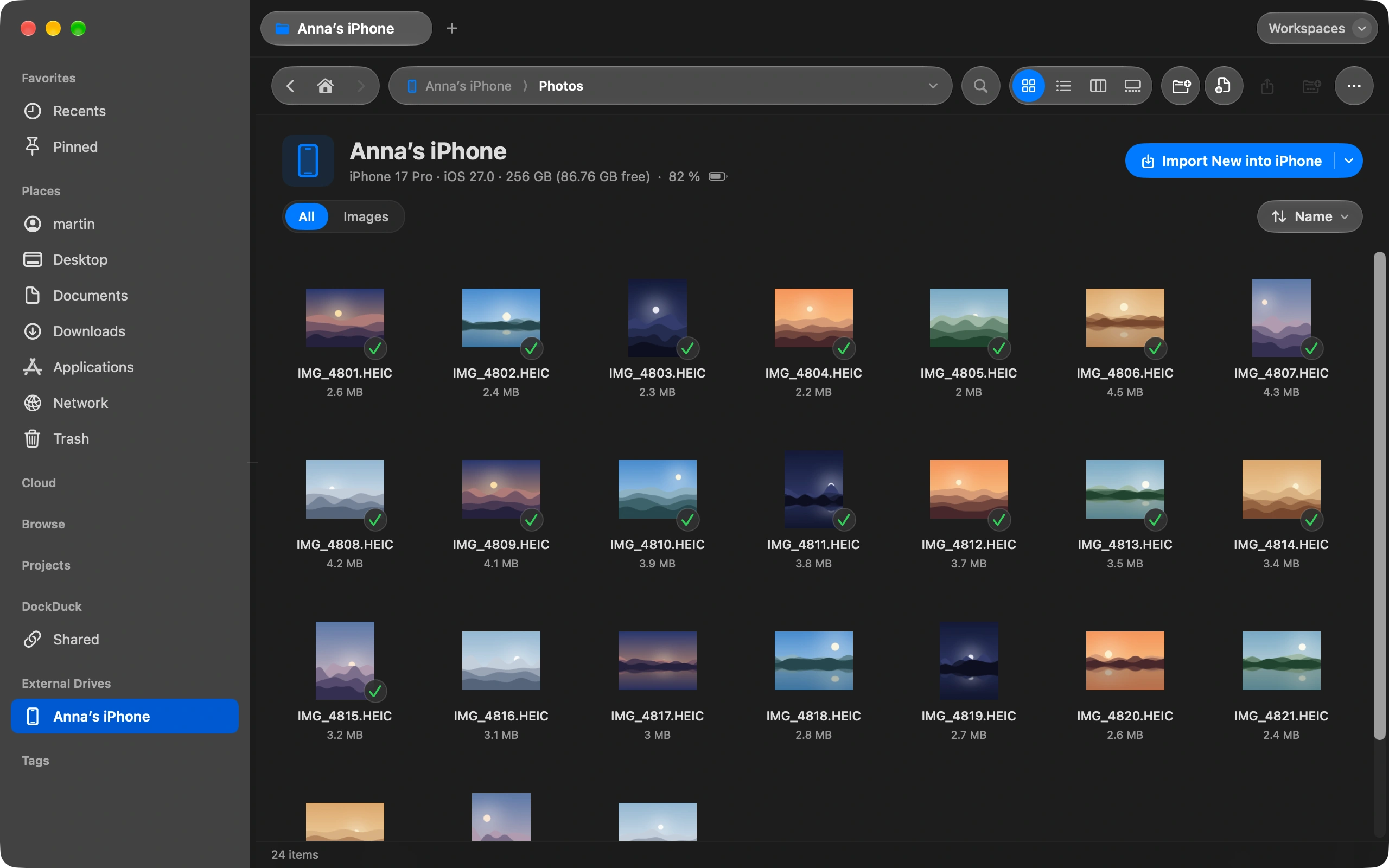
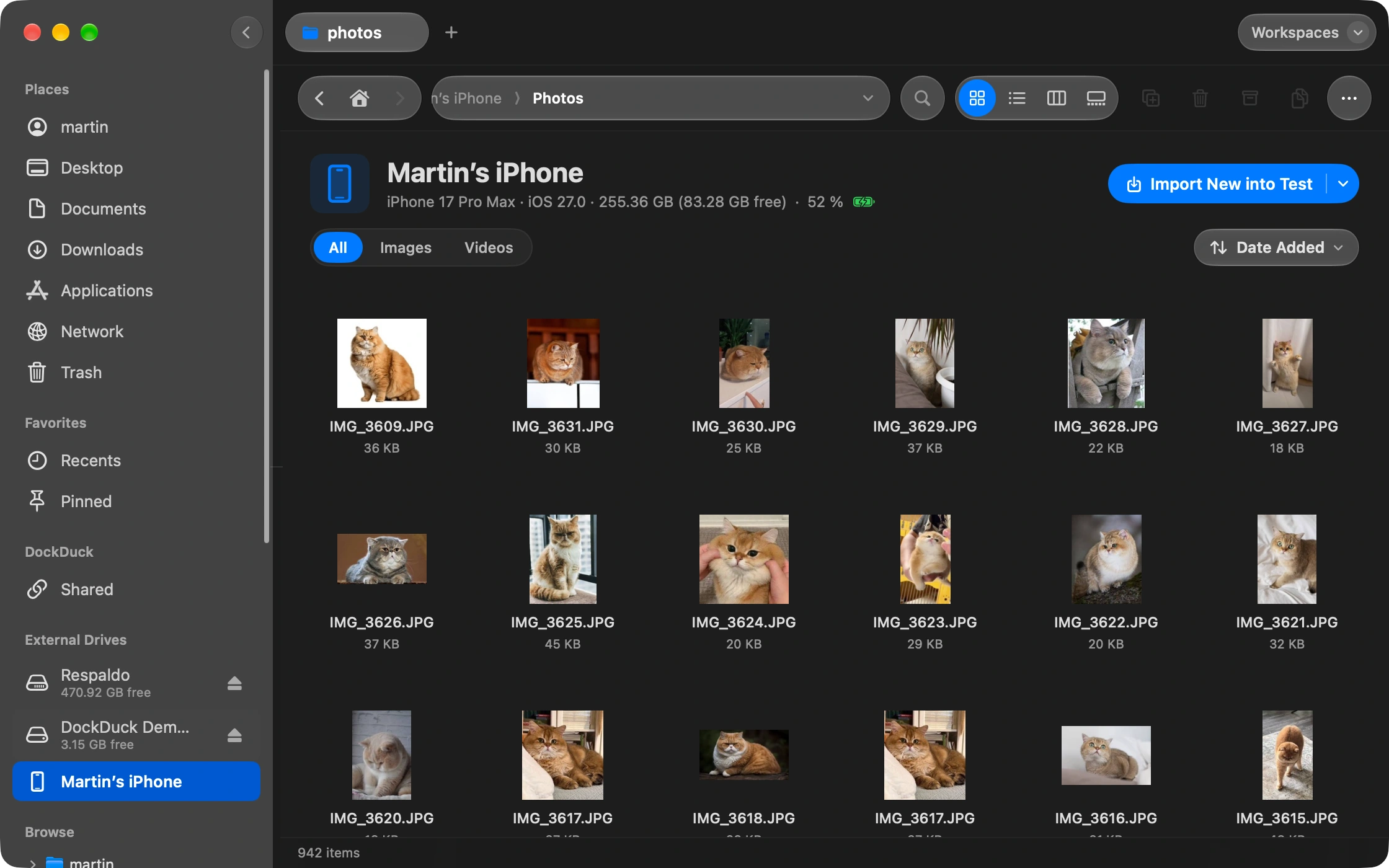
Plug it in and it appears next to your folders. Drag photos and videos straight to your Mac.
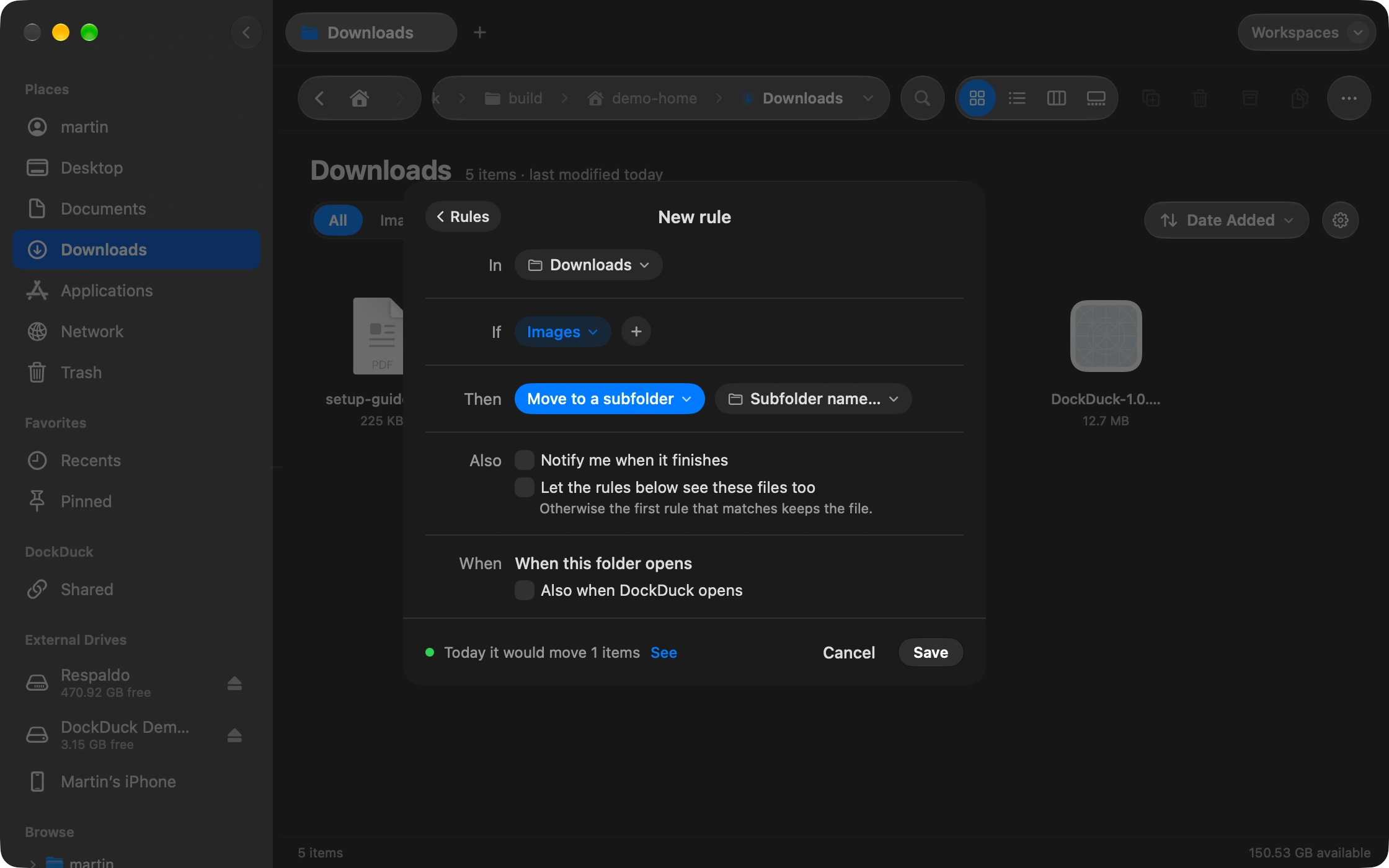
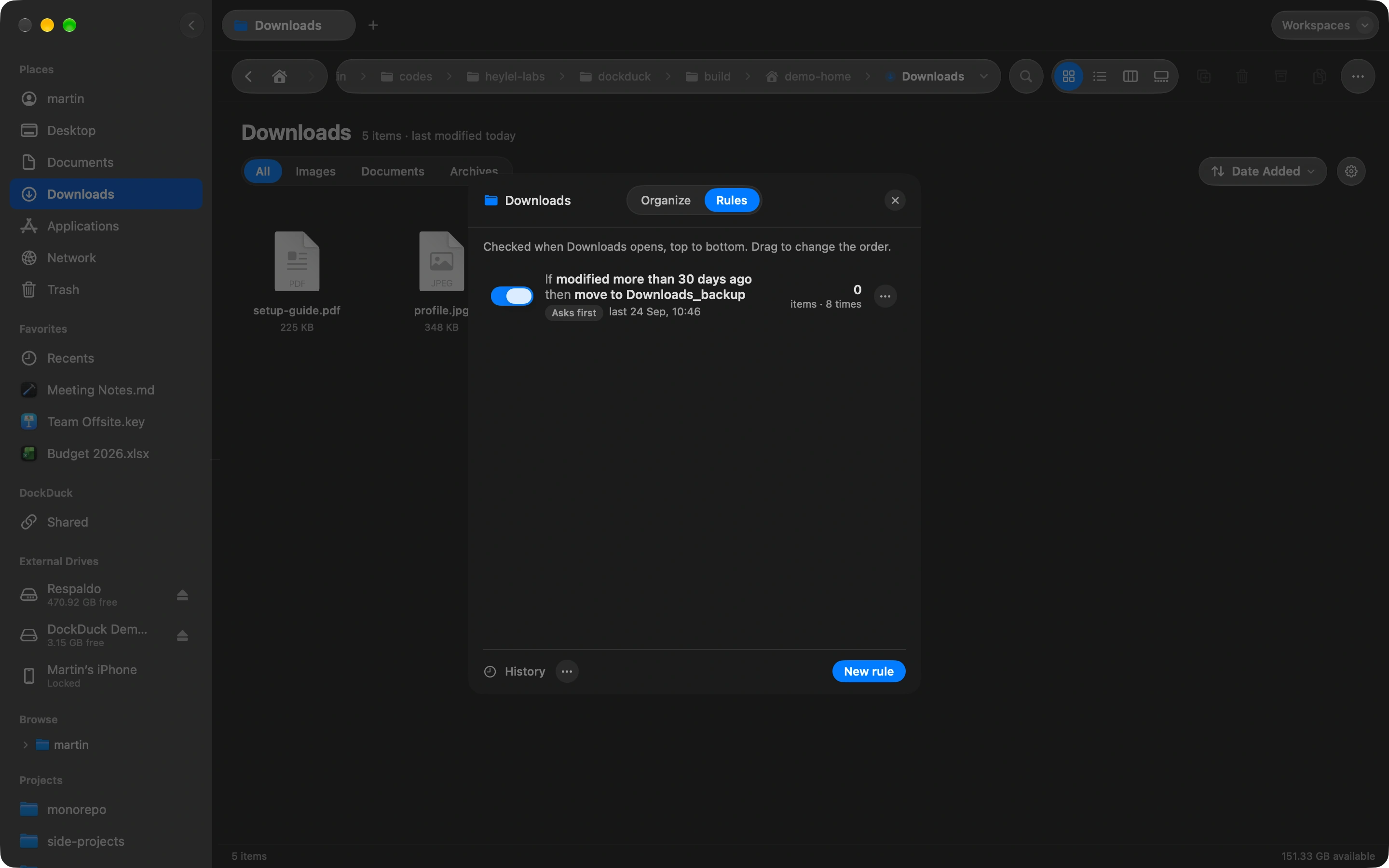
Tell a folder what to do with new files, once. You see what will move before it does, and one undo puts it all back.
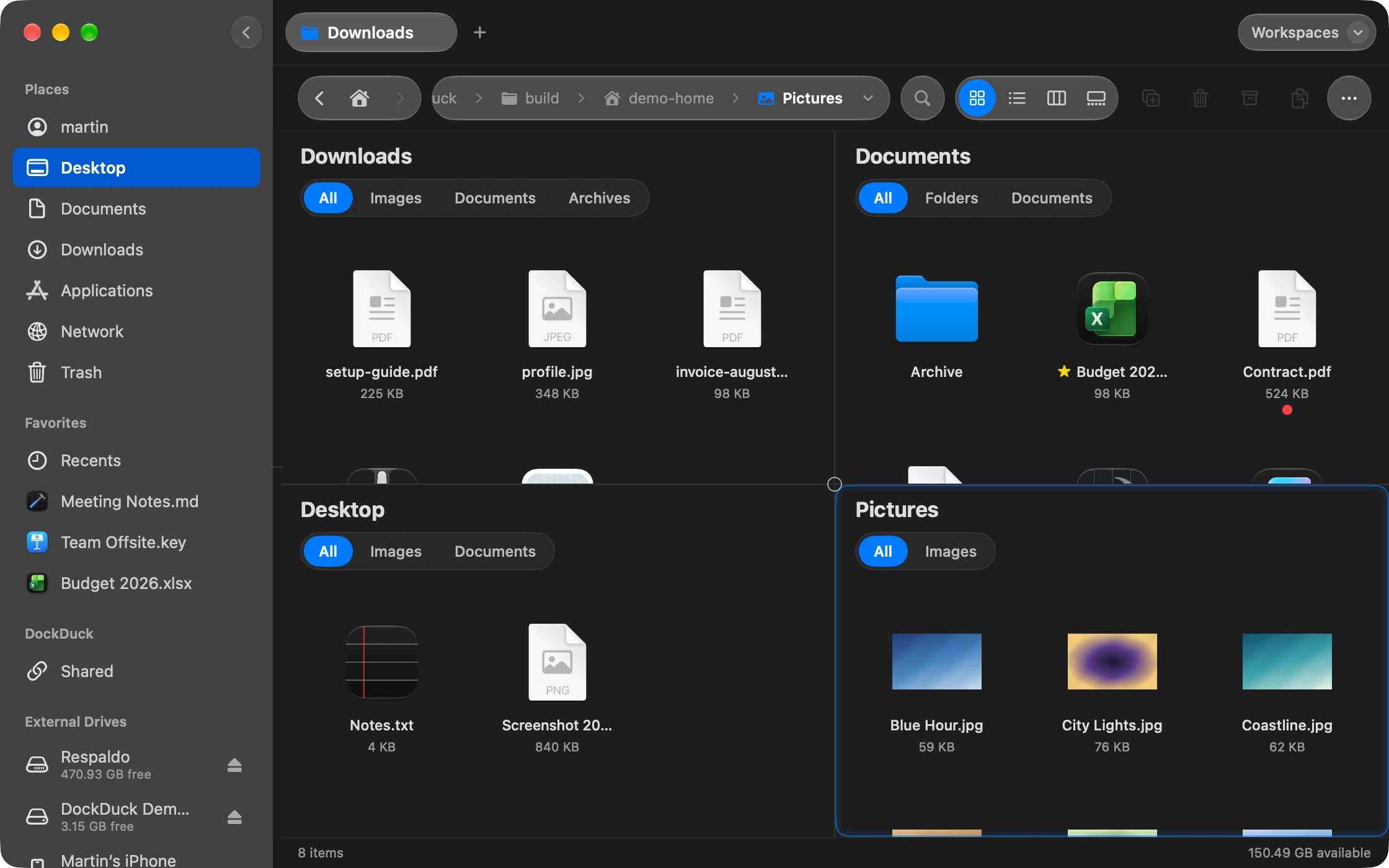
Up to six folders side by side, each with its own tabs. Drag between them instead of juggling windows.
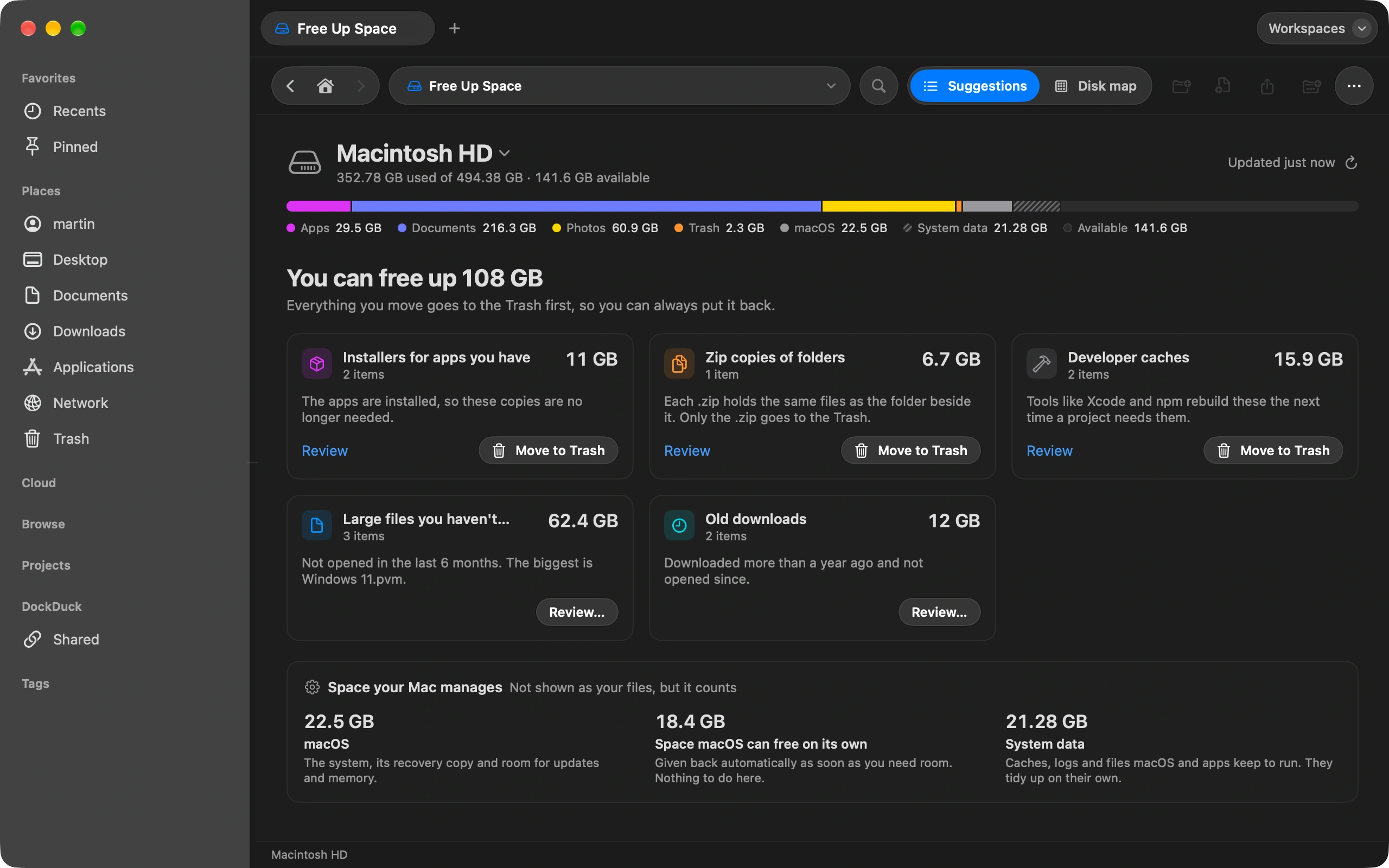
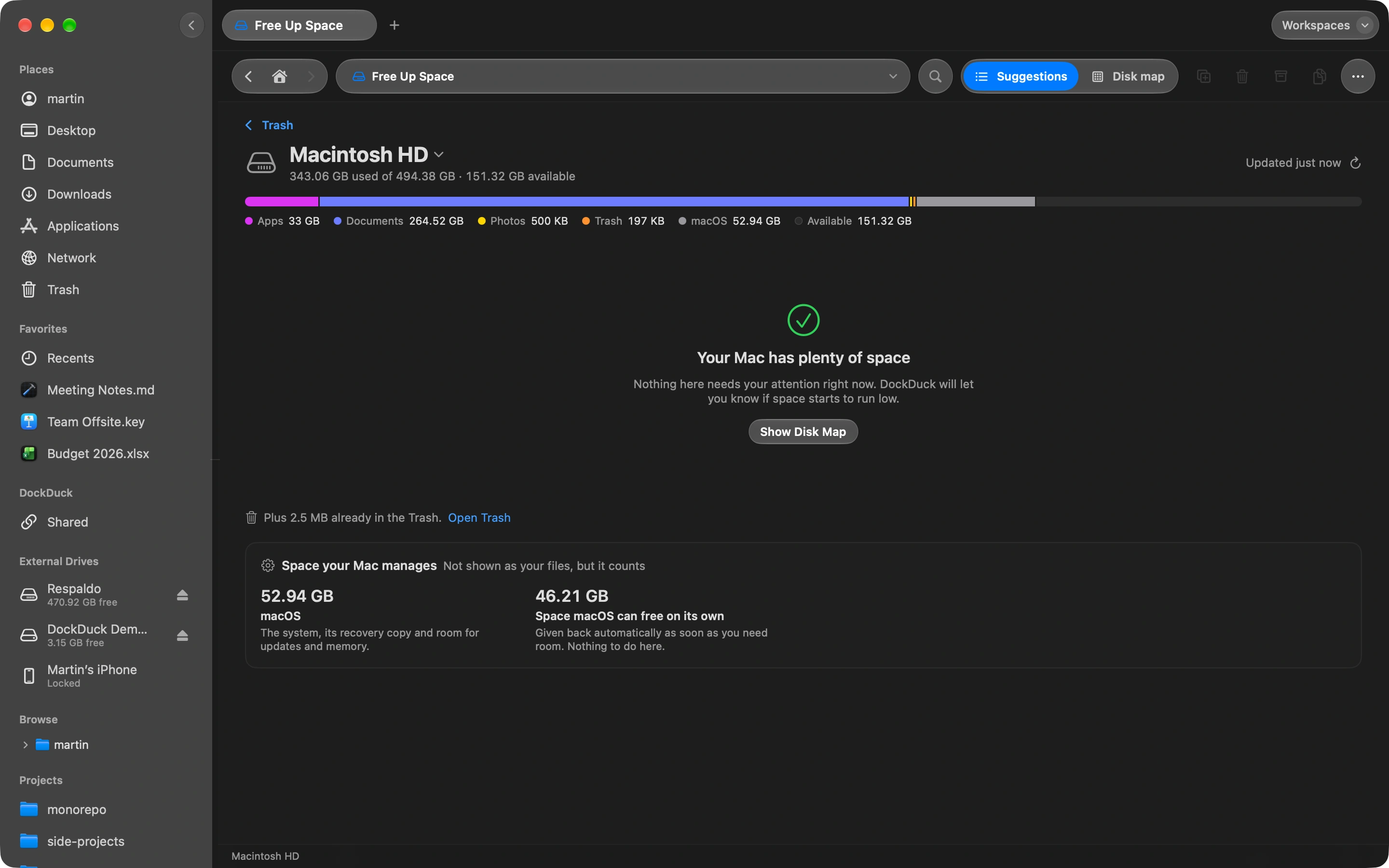
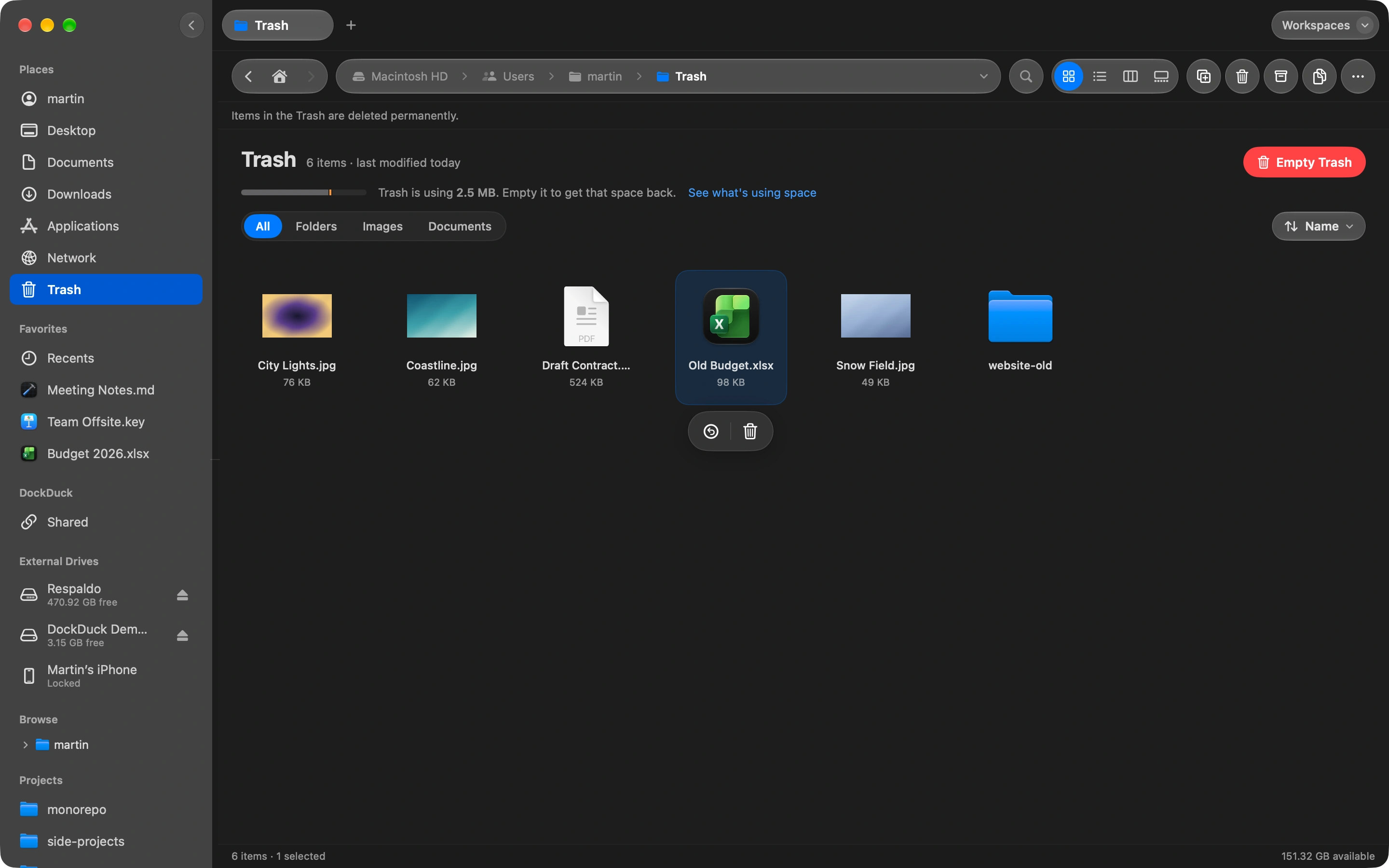
A plain breakdown of what takes up room and what is safe to remove. The Trash from every drive in one place.
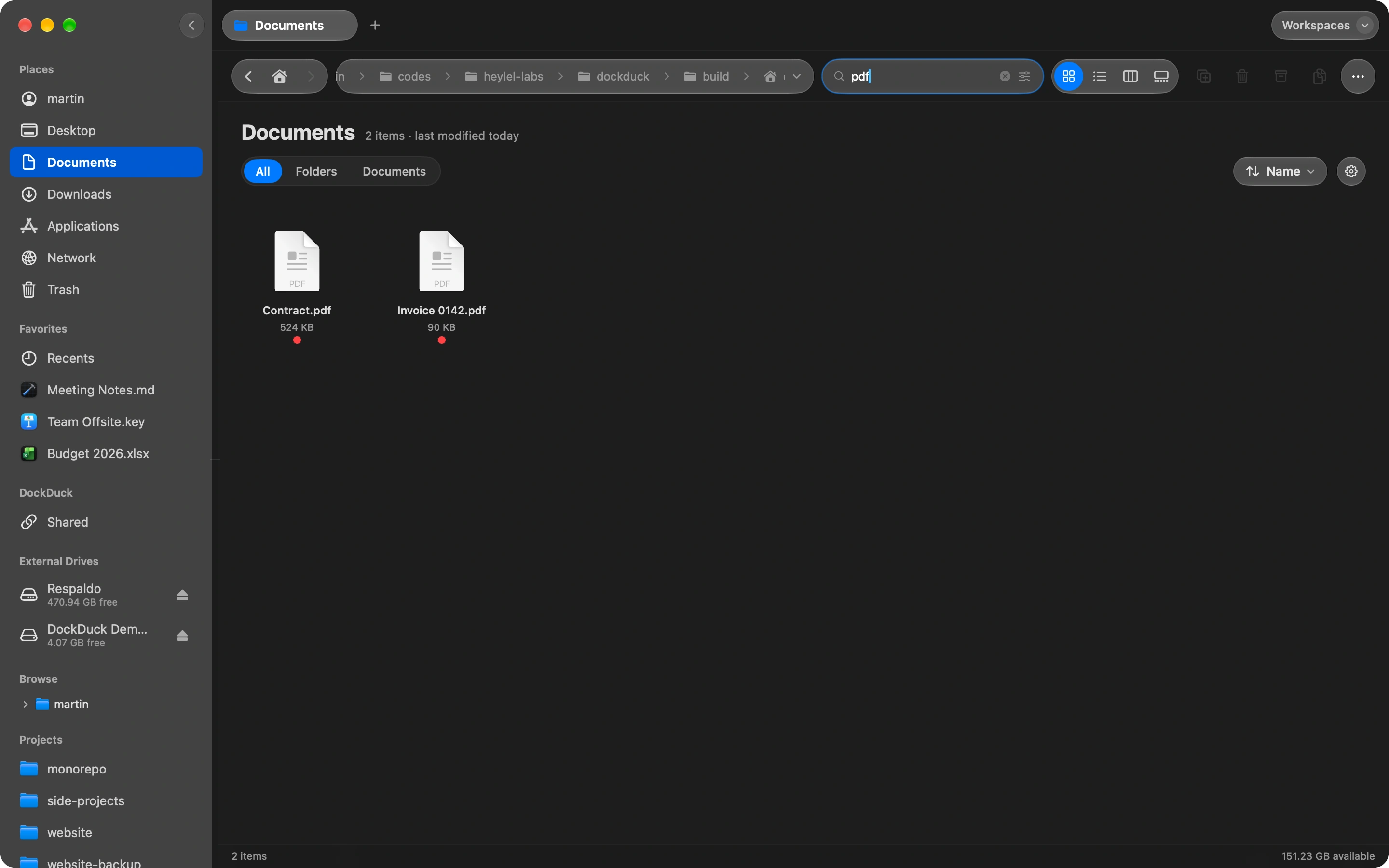
Type a few letters and filter by kind, date or size. Save the search and it stays current.

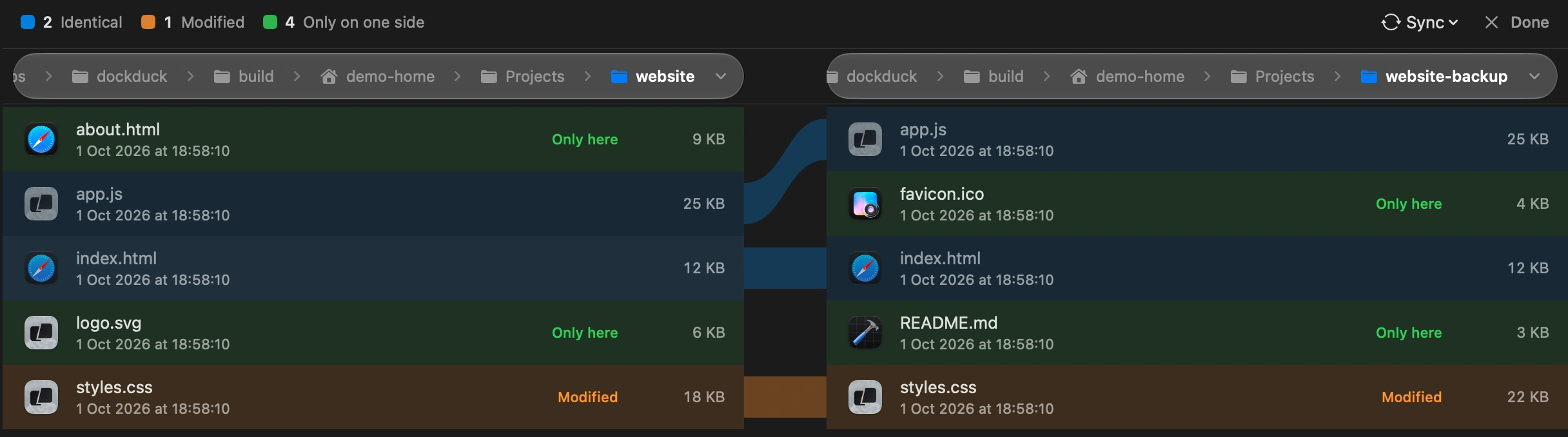
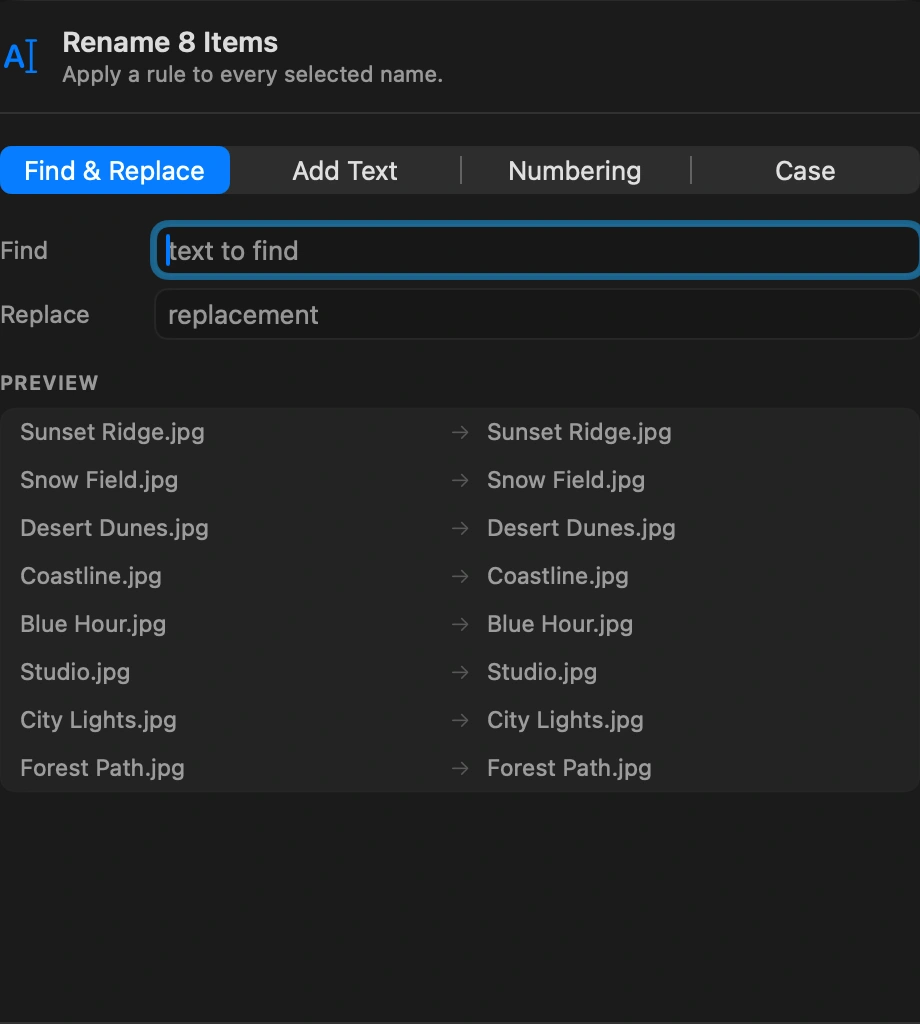
Short guides for the things people ask most.
DockDuck opens the instant you click, stays quiet in the background, and feels like it was always part of your Mac. You'll just notice everything is smoother.
Click and your files are right there. No loading screens, no spinners, ever.
It stays out of the way of everything else you're doing, and it's easy on your battery.
Fly through folders with thousands of files. Scrolling never stutters, never lags.
Designed to look and feel like an app Apple would make: clean, familiar, and right at home on macOS.
DockDuck is a Mac app, not a SaaS. No subscription, no auto-renew, no tricks. Buy Lifetime once and it's yours forever, or take Annual for a year of updates, renewed by hand, never on autopilot.
Every Pro feature. Pay once. Yours forever, with all future updates.
All Pro features for one year. Manual renewal, no auto-charge.
Prices in USD · one-time or annual · 14-day money-back guarantee, no questions asked.
Download DockDuck and try every Pro feature free for 14 days. No card required.
Universal build · macOS 15 Sequoia or later