Many servers only let you in with an SSH key, and a key is safer than a password. DockDuck signs in with the key you already have and opens the server next to your Mac.
Check that you have a key
Keys live in the .ssh folder of your home folder, as a pair: id_ed25519 is the private half and id_ed25519.pub is the public half. If the folder is empty, open Terminal, run ssh-keygen -t ed25519 and press Return at each question.
Give the server the public half
The server has to know your key before it lets you in. Paste the contents of the .pub file into the SSH Keys page of your hosting panel, or run ssh-copy-id user@example.com in Terminal. If you already sign in with ssh from Terminal, this is done.
Type the address
Press the shortcut to focus the address bar at the top of the window, type the server, like sftp://user@example.com, and press Return. You can also add the server from Settings: choose Servers and click Add Server. ⌘L
Choose SSH key
In the Connect to Server sheet, open Options and set Authenticate to SSH key. Pick the private key file, the one without .pub. The button at the end of the field opens your .ssh folder. If the key has a passphrase, type it in the Passphrase field.
Trust the server once
The first time, DockDuck shows the server’s host key and asks you to confirm it, the same check ssh does.
Work on both sides
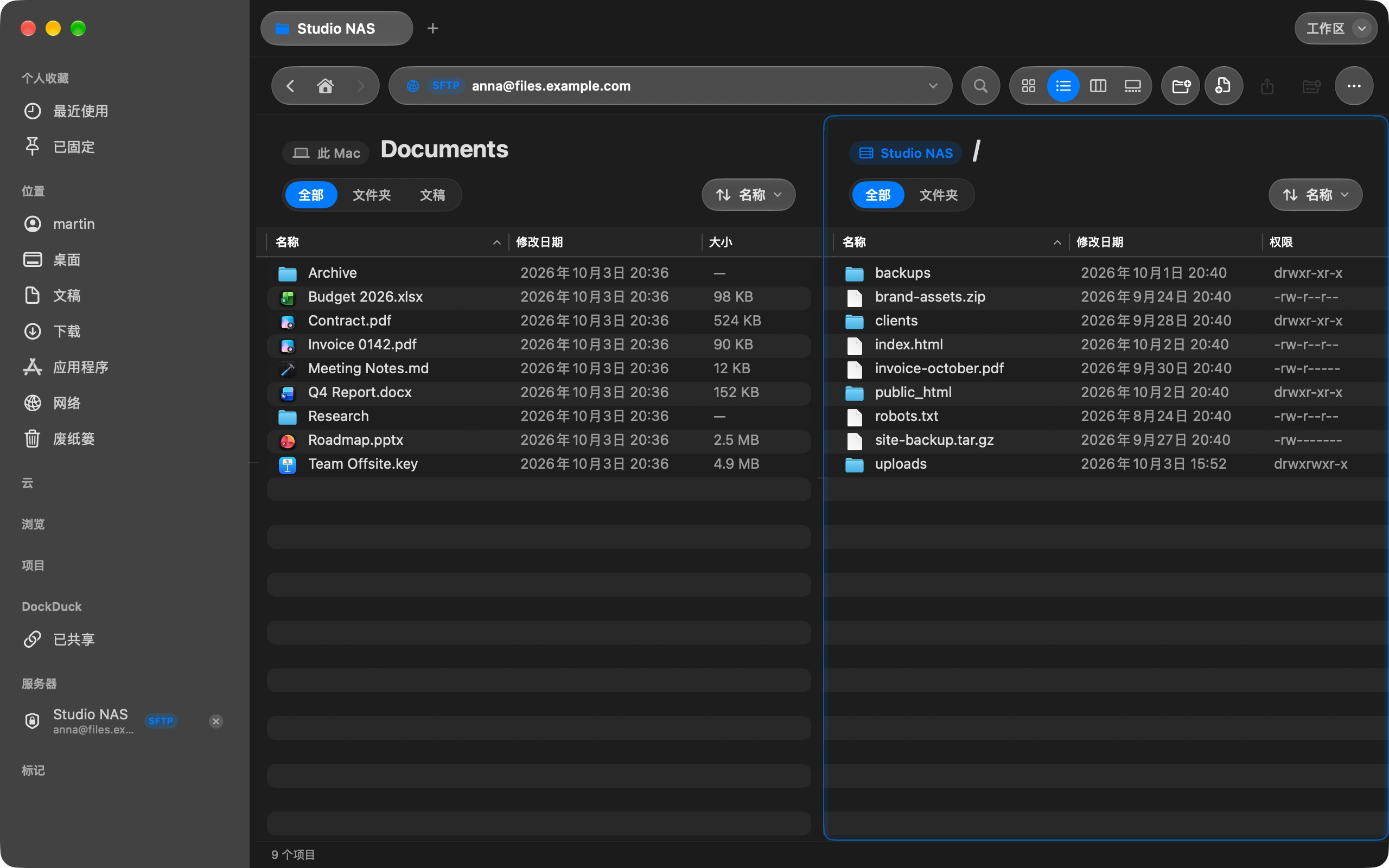
Your Mac is on the left and the server on the right. The server stays in the sidebar, and the next visit is one click with no password to type.
值得了解
- DockDuck reads Ed25519 and RSA keys in the OpenSSH format, the one ssh-keygen makes.
- The private half never leaves your Mac. DockDuck uses it to sign in, and the server only ever holds the public half.
- If the server changes its host key later, DockDuck stops and tells you before it connects again.
Finder 与 DockDuck
Finder has no SFTP. Terminal has it, one command at a time.
Pick the key once, and the server opens like any folder on your Mac.
常见问题
- Which of the two files do I pick?
- The private one, with no extension, like id_ed25519. The .pub file is the half that goes on the server. DockDuck never uploads the private file anywhere.
- DockDuck says it could not read my key. What now?
- Either the passphrase is wrong or the key is in a format DockDuck does not read. Type the passphrase again first. A key made by another program, like a .ppk file from PuTTY, has to be exported in the OpenSSH format.
- The server rejected my key. Why?
- The server does not have the public half for that user yet, or the username is not the one the key was added to. Check both in your hosting panel, then connect again.
- Is a key really safer than a password?
- Yes. A password travels to the server every time and can be guessed. A key is never sent, it only proves it is yours, and nobody can guess it.

在你的 Mac 上试用 DockDuck
下载 Mac 版免费试用 14 天。无需账户,无需银行卡。
继续阅读
全部指南如何在 Mac 上连接 FTP 或 SFTP 服务器
添加一次服务器,然后像浏览 Mac 上的文件夹一样浏览它。
How to upload files to your website from your Mac
Connect to your hosting with FTP or SFTP and drag the files across.
如何从 Mac 发送大文件
在 DockDuck 中选中文件,选择“分享链接”。你会得到一个可以发给任何人的链接,对方用任何浏览器都能打开。